














Biamp Blog
Room booking has become a foundational part of the modern workplace. As hybrid work changes how and when people use the office, organizations need an easier way to manage meeting spaces, reduce booking conflicts, and make better use of every room.
To help, here are answers to 10 common room booking questions.
1. What is a meeting room booking system?
A meeting room booking system helps people reserve meeting spaces and helps organizations understand how those spaces are being used. In a modern deployment, the system usually includes software for scheduling and management, along with a display outside the room that shows availability and supports on-the-spot booking.
2. How can room booking improve ROI?
Room booking can improve return on investment by helping organizations use meeting spaces more efficiently. When employees can quickly find and reserve the right room, they spend less time searching and more time collaborating. At the same time, administrators gain visibility into which spaces are heavily used, underused, or frequently booked and abandoned.
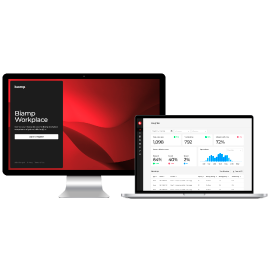
Biamp highlights actionable insights and resource utilization data as part of our complete booking solution, helping organizations make more informed workplace planning decisions.
3. Will a booking made on the panel appear in Outlook?
In a properly integrated system, yes. Biamp scheduling solutions support calendar integration with Microsoft 365 and Google Workspace, and Evoko Liso also supports Microsoft Exchange and other self-hosted calendar environments. Bookings made on the room display synchronize with the connected calendar system, so schedules stay current across devices and software.
4. How do you book a meeting room?
Most modern systems allow room booking in several ways. Users may be able to book directly on the room display outside the space, through a mobile or browser-based booking app, or through their calendar platform, depending on how the organization has configured the system.
Biamp customers can book rooms remotely using the Workplace Booking app and can also book onsite through the Evoko Naso touch panel.
5. How can you see which rooms are available?
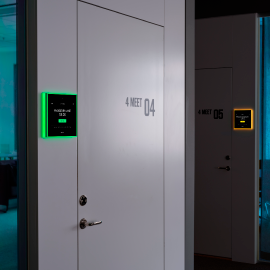
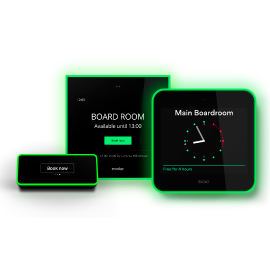
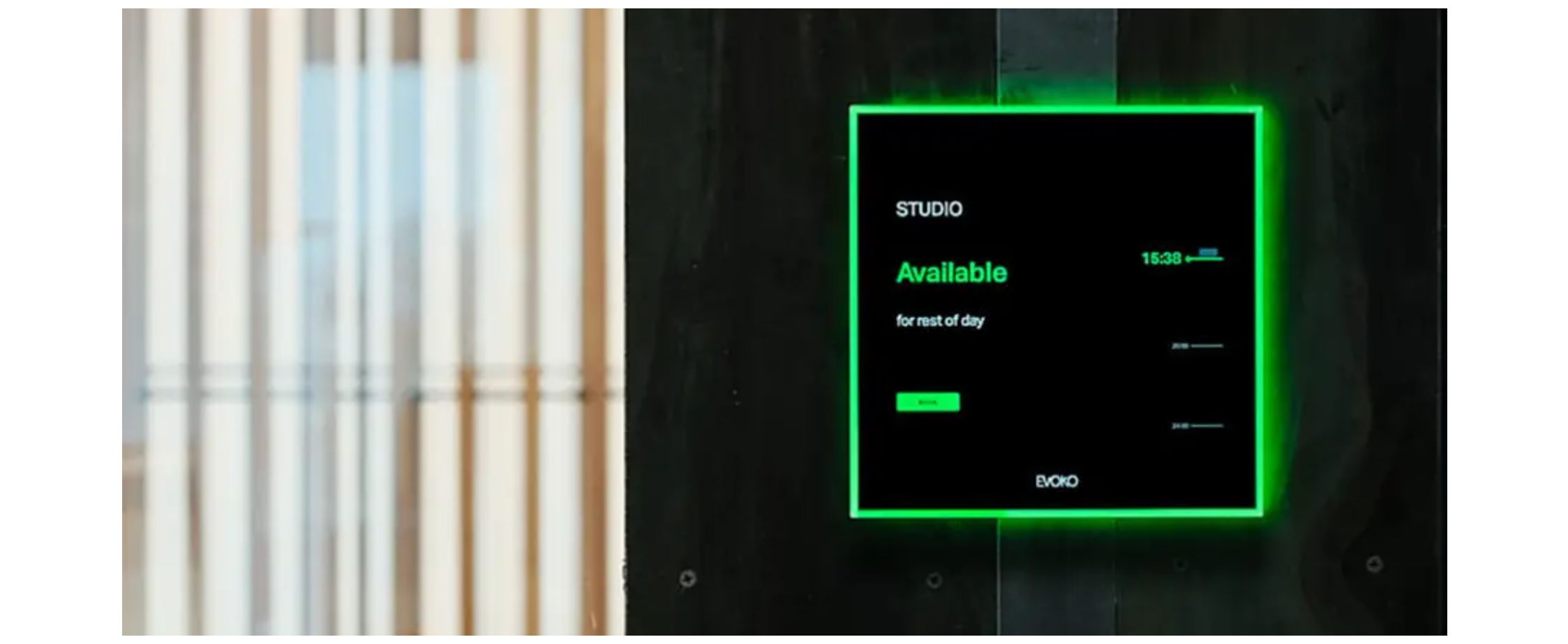
Room booking displays make availability easy to understand at a glance. Current Evoko room booking displays use color indicators to show room status, helping employees quickly identify whether a room is available, occupied, or about to be used. Availability can also be viewed through scheduling software and integrated calendar tools.
6. Can booking systems suggest another available room?
Many room booking systems make it easier to find alternatives when a room is unavailable, whether through the panel interface, the scheduling platform, or the booking app. The goal is to reduce friction and help users find a suitable space without restarting the search from scratch.
7. Can you extend or end a meeting early?
Yes, in many cases including with the Evoko Naso, modern room booking systems allow users to extend a meeting if the room is still free afterward or end the meeting early so the room becomes available to others sooner.
8. What reporting and analytics are available?
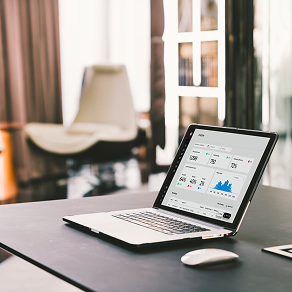
One of the biggest benefits of a room booking platform is the ability to understand how meeting spaces are actually being used. Analytics can help organizations track booking volume, identify busy days or peak times, monitor usage trends, and uncover patterns such as no-shows or underused spaces.
Biamp provides actionable insights around office utilization rates, booking patterns, and resource usage as part of its Evoko scheduling solutions.
9. Can you add logos or custom images to room booking panels?
This depends on the product and deployment approach. Evoko Liso and Naso room booking panels do not enable such customizations because they are purpose-built for clarity and ease of use, with the interface designed to help users quickly understand room status and take action without distraction.
10. What room booking systems does Biamp offer?
Biamp currently offers two primary Evoko room booking displays for meeting spaces. Evoko Naso is the cloud-connected option designed to work with the Biamp Workplace platform, while Evoko Liso is the self-hosted option for organizations that want greater control over deployment and data hosting.
Make room booking easier
Room booking should do more than put meetings on a calendar. It should help employees find space faster, reduce inefficient time usage, and give organizations better visibility into how their workplace is performing.
With Biamp Workplace and Evoko scheduling solutions, organizations can simplify room reservations, improve space utilization, and create better meeting experiences across the office.
Read more about room booking and other extraordinary scheduling solutions from Biamp.
