


















Biamp Blog
Desk booking has become an essential part of the modern workplace. As organizations embrace hybrid schedules and flexible seating, employees need an easy way to find and reserve the right workspace, while administrators need better visibility into how offices are actually being used.
To help, here are answers to 10 common desk booking questions.
1. What is desk booking?
Desk booking is a way for employees to reserve a desk or workstation for a specific date and time. Instead of searching for an open seat when they arrive, users can book in advance and start the day with confidence.
Desk booking is especially valuable in hybrid workplaces, where employees may only come into the office on certain days and want a predictable, seamless experience.
2. What is a desk booking device?
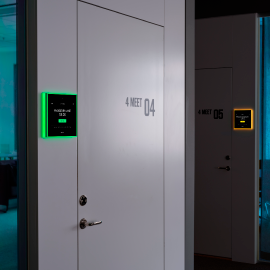
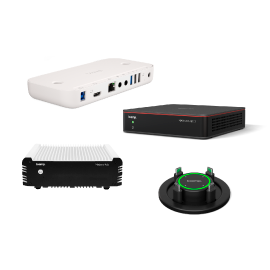
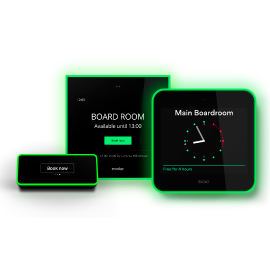
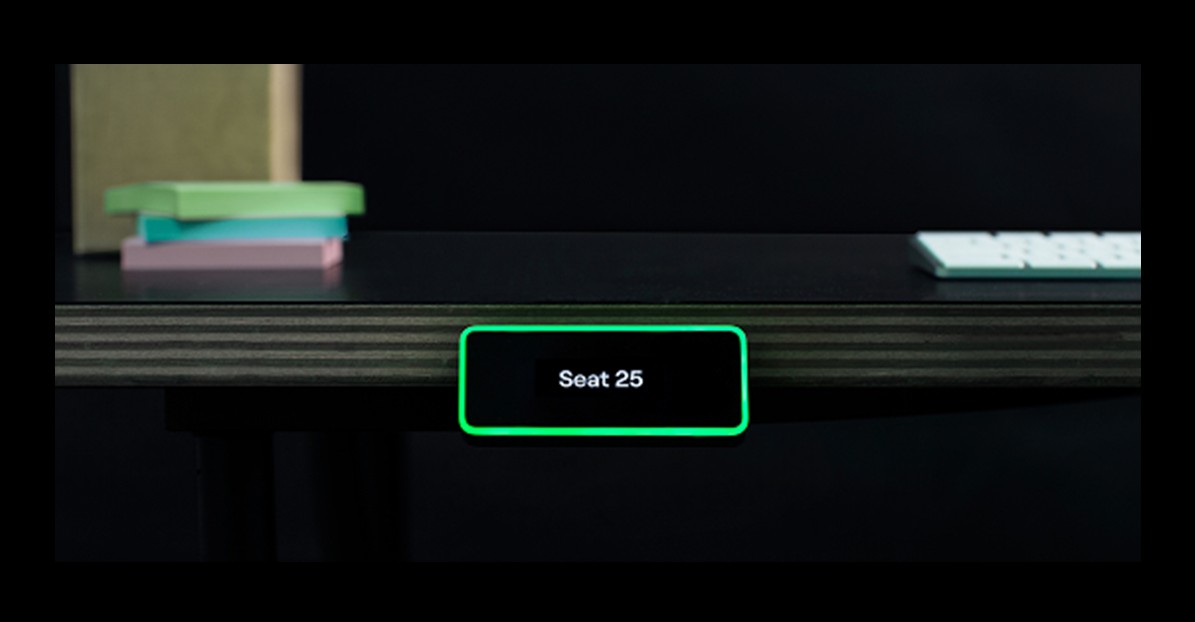
A desk booking device is a smart display installed at or on a workspace to show whether that desk is available, reserved, or occupied. In a modern scheduling environment, these devices work alongside cloud-based software so booking information stays current across the workplace.
For example, the Biamp scheduling ecosystem combines software-based booking with purpose-built devices such as Evoko Kleeo, helping employees quickly understand desk status at a glance while keeping everything synchronized in the broader workplace platform.
3. How does desk booking work?
Desk booking typically works through a combination of software, mobile access, and optional on-desk hardware. Employees can view available workspaces, choose where they want to sit, and reserve a desk for a future date or book one on arrival.
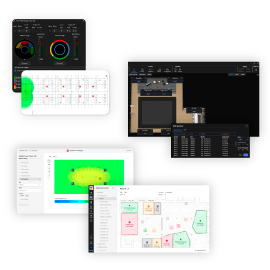
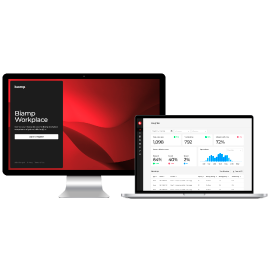
Biamp Workplace supports desk booking through a unified platform that provides real-time availability, booking tools, and management capabilities for desks and other workspace resources. Biamp also offers the Workplace Booking app for booking and viewing desks, rooms, and parking spaces from mobile or browser-based access.
4. What are the benefits of desk booking?
Desk booking benefits both employees and organizations.
For employees, it reduces uncertainty, saves time, and makes office days easier to plan. People can reserve a workspace in advance, arrive knowing where they will sit, and spend less time searching for an open desk.
For organizations, desk booking provides better control and better data. Usage insights reveal when desks are in demand, how often spaces are used, and where adjustments may improve efficiency.
5. How do you book a desk?
In a modern system, desks can typically be booked in more than one way:
• through a mobile or web app
• through an integrated workplace platform
• directly at the desk, depending on the device installed
• by scanning a QR code, when enabled
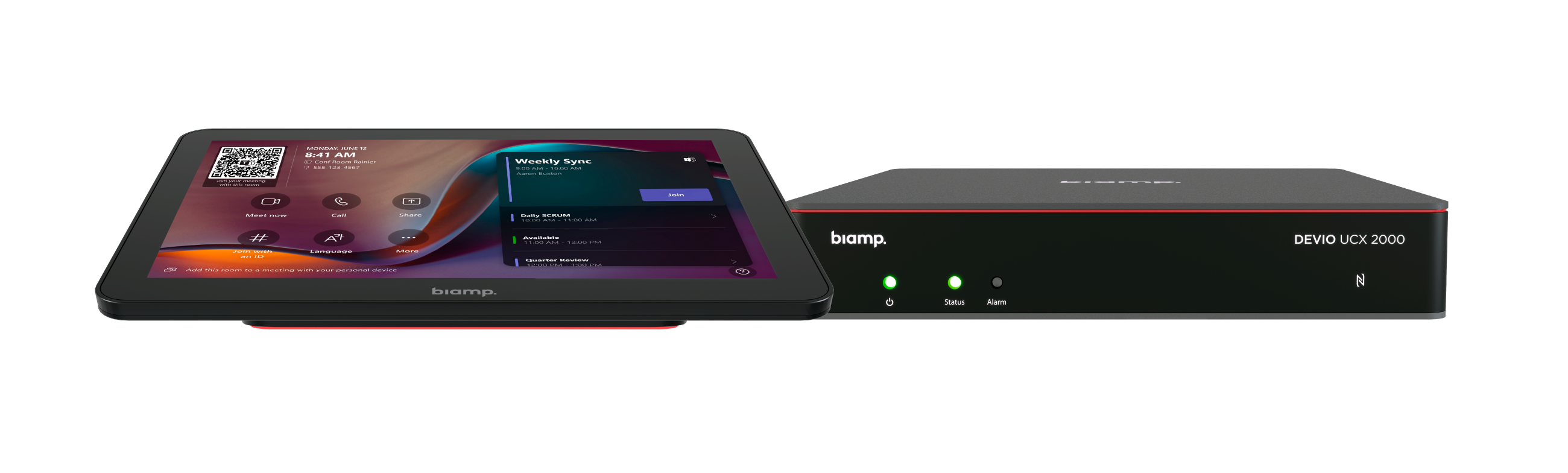
Biamp scheduling tools support app-based and QR code booking, and integrated workspace management, while Evoko solutions are designed to make on-site booking and status visibility simple and intuitive.
6. Who needs desk booking software?
Desk booking software is useful for any organization managing shared workspaces. That includes corporate offices, hybrid workplaces, coworking environments, and multi-floor enterprise deployments.
It is especially valuable when employees do not have permanently assigned desks. In those environments, a booking solution helps reduce friction, improve workplace organization, and create a better experience for teams coming into the office on different schedules.
7. What happens if someone needs to change or cancel a reservation?
Most modern desk booking platforms allow users to modify or cancel reservations as schedules change. That flexibility is important in hybrid work environments, where in-office plans often shift from day to day.
The workplace scheduling approach at Biamp is built around real-time availability and booking management, helping organizations keep desk inventory accurate and useful for employees and admins alike.
8. Can you try a desk booking system before deploying it widely?
Many organizations begin with a pilot program, a limited rollout, or a small deployment before expanding across more desks, floors, or buildings.
That approach makes sense because it allows teams to evaluate the user experience, test policies, and gather feedback before scaling.
9. Can desk booking improve productivity?
Yes — when implemented well, desk booking can support productivity in several ways. It reduces time spent looking for available workspaces, makes in-office days easier to plan, and helps employees settle in faster.
The Evoko Kleeo also includes a Focus Mode feature designed to signal that a user does not want to be disturbed, supporting more focused work in shared office environments.
10. How does a desk booking system scale?
A scalable desk booking system should work for small deployments and large enterprise environments alike. It should support centralized management, remote administration, and visibility across multiple buildings, floors, and workspace types.
Biamp Workplace is an enterprise-ready platform for rooms, devices, and scheduling, while Evoko scheduling solutions are suitable for everything from small teams to large organizations.
Make desk booking easier across the workplace
Desk booking should do more than reserve a seat. It should make the workplace easier to navigate, easier to manage, and more effective for everyone who uses it.
With Biamp Workplace and Evoko scheduling solutions, organizations can simplify desk reservations, improve visibility into workspace availability, and create a better experience for today’s flexible workforce.
Read more about desk booking and other extraordinary scheduling solutions from Biamp.
