

















Biamp Blog
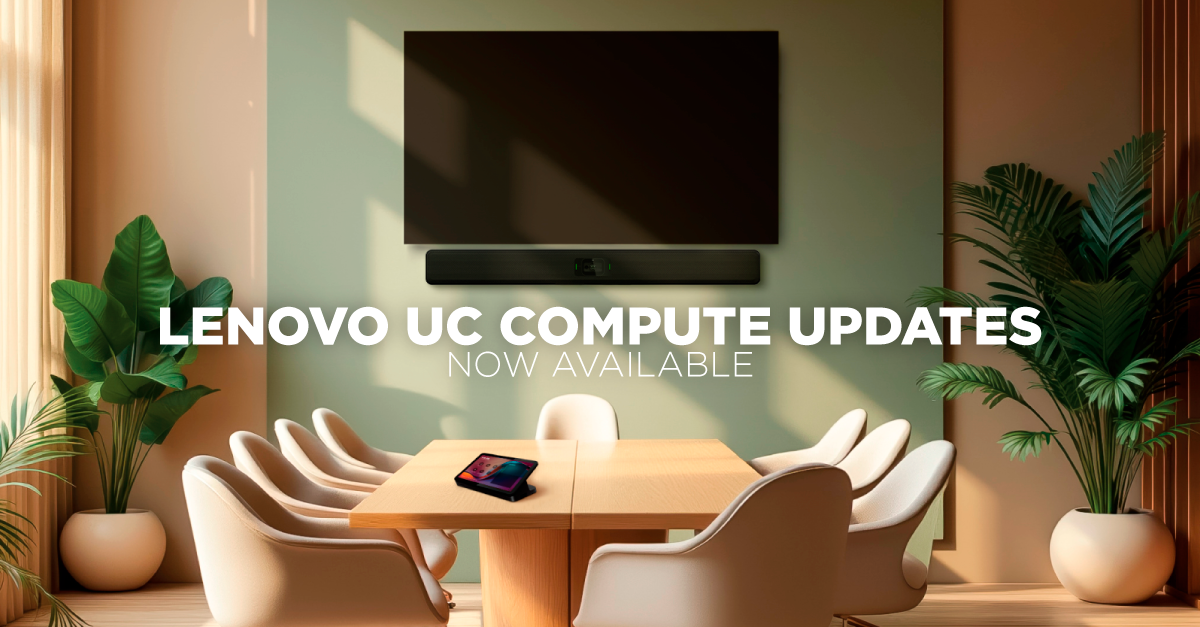
USB-based meeting rooms made video conferencing simple to deploy. Managing hundreds of them has been another story.
After years of designing audio and video systems for meeting spaces of every size, we've learned that a room's success depends on two things: how it feels to the person walking in, and how easily IT can keep it running. Too often, those two goals pull in opposite directions. Users get a clean touch panel but no way to frame the shot. IT gets a room that works on day one but becomes invisible the moment something drifts out of spec.
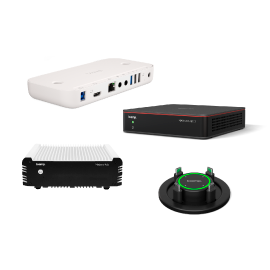
Today, we're closing that gap. We're announcing a major set of updates for Biamp Lenovo UCC devices that change what's possible in your meeting rooms. Two significant capabilities are now available through a new app, factory-installed on new devices and available as a download for existing deployments. No hardware swap required.
Camera control, right where your meeting lives
For the first time, you can control Biamp cameras directly from the Microsoft Teams Rooms or Zoom Rooms touch panel. It's the same interface people already use the moment they enter a room.
Pan. Tilt. Zoom. Preset recall. Live adjustments. All without a separate controller, a secondary app, or a trip to the equipment rack.
Why does this matter? In our experience, the best room technology is the technology people don't have to think about. Every extra device on the table is one more thing to learn, misplace, or ignore. When camera control sits inside the native meeting experience, users actually use it. The presenter at the whiteboard gets framed properly. The far end sees who's speaking. And the help desk stops fielding calls about cameras pointed at the ceiling.
This is a meaningful upgrade to how rooms feel and function, and it's available today on your current hardware.
Full device management via Biamp Workplace
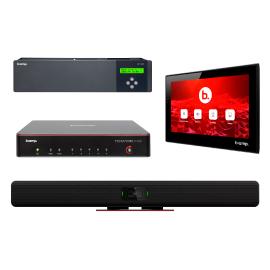
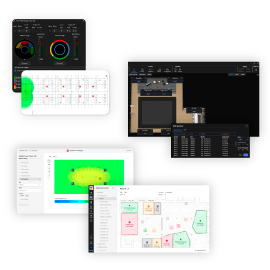
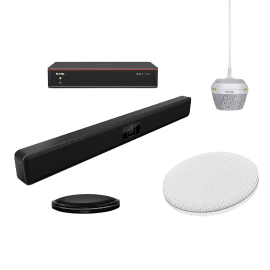
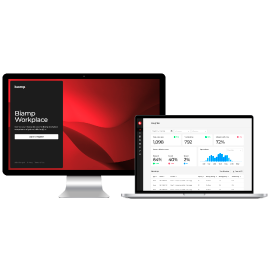
Biamp Workplace can now monitor, manage, and configure not just the room compute, but also the Biamp USB peripherals connected to it, including video cameras and conferencing bars.
This is the first time these devices have been visible and manageable inside Biamp Workplace. Here's why that's significant. In a typical USB room, the compute is managed and the peripherals are a blind spot. When a camera or bar misbehaves, IT often learns about it from a frustrated user, not a dashboard. Closing that visibility gap is a significant step toward unified AV management at scale.
With this update, you can:
• Monitor room compute and peripheral health from a single dashboard
• Push configuration changes and app updates remotely
• Eliminate fragmented tools and room-by-room setup
• Reduce truck rolls and onsite support costs
Just as important is what it doesn't ask you to change. Biamp Workplace runs alongside Teams Admin Center, Zoom Device Management, and Lenovo ThinkSmart tools. It enhances the workflow your team already relies on rather than replacing it.
Scalability for USB rooms, without starting over
Organizations chose USB-based conferencing for its simplicity and cost. What they've needed is a way to keep that simplicity as the room count grows from ten to a thousand.
Together, these enhancements eliminate the need for room-by-room setup, reduce costly truck rolls, and bring true scalability to USB-based conferencing systems. Users get intuitive control in the interface they already know. IT gets one view of every room and every device in it.
And because the new app ships factory-installed on new Biamp Lenovo UCC devices and downloads onto existing ones, the rooms you've already deployed get better today.
