• 50 Years of Extraordinary
  • Store
  • Product Catalog
  • Downloads
  • Login
Logo image of Biamp 50
Back Button for mobile menu
menu icon X
  • Solutions
    Meeting & Conference Rooms
    Meeting & Conference Rooms
    Presentation Spaces
    Presentation Spaces
    AV Management
    AV Management
    Control Systems
    Control Systems
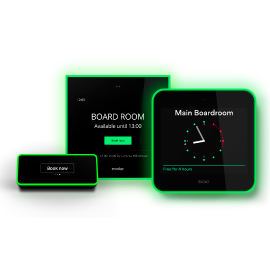
    Scheduling
    Scheduling New
    Installed Sound
    Installed Sound
    • Audience Engagement
    • Control Systems
    • Installed Sound
    • Launch Auto Setup
    • Meeting & Conference Rooms
    • Parlé Voice Lift New
    • Presentation Spaces
    • Scheduling
    • Sound Masking
    • Voice Communications
    • Wireless Collaboration
  • Markets
    Business & Corporate
    Business & Corporate
    Education
    Education
    Courts
    Courts
    Government
    Government
    Healthcare
    Healthcare
    Houses of Worship
    Houses of Worship
    • Business & Corporate
    • Courts
    • Education
    • Food Service
    • Government
    • Healthcare
    • Hospitality & Leisure
    • House of Worship
    • Retail
    • Sports & Entertainment
    • Transportation
  • Products
    New Products
    New Products New
    Target Incentive Products
    Target Incentive Products New
    TAA Compliant Products
    TAA Compliant Products
    All Products
    All Products New
    Software
    Software
    Meeting Hubs and Switches
    Meeting Hubs and Switches
    • Amplifiers
    • Audio DSPs
    • Complete Room Solutions
    • Conferencing Bars
    • Conferencing Cameras
    • Controls
    • Loudspeakers
    • Loudspeaker Controllers New
    • Microphones
    • Mixing Amplifiers
    • Music Sources
    • Paging Stations
    • Preamplifiers
    • Scheduling
    • Sound Masking Generators
    • UC Compute
    • Video Processors
  • Families
    Tesira
    Tesira
    Parlé
    Parlé
    Biamp Workplace
    Biamp Workplace New
    Cambridge
    Cambridge
    Voltera
    Voltera New
    Evoko
    Evoko New
    • Apprimo
    • Biamp Workplace
    • Cambridge
    • Commercial Audio
    • Commercial Loudspeakers
    • Community
    • Crowd Mics
    • Desono
    • Devio
    • EasyConnect
    • Evoko
    • Impera
    • Modena
    • Parlé
    • SageVue
    • Tesira
    • Vidi
    • Vocia
    • Voltera
  • Resources
    Biamp 50
    Biamp 50
    Online Support
    Online Support
    Blog
    Blog
    Case Studies
    Case Studies
    Webinars
    Webinars
    Training
    Training
    • Events & Tradeshows
    • Infocomm 2026 New
    • Installation Gallery
    • Newsletters
    • Press Releases
    • Contact Us
  • Contact Us
magnifying glass
Quick Links
  • Tesira
  • Biamp Workplace
  • Parlé Presenter Lift
  • Downloads
  • Support
Recommended
Biamp City - City Skyline Representation
Biamp City
Search Repairs and Returns
Product Repair & Return Requests
Search Loudspeaker DREQ
Loudspeaker Design Services
Sound Masking PRAQ
Sound Masking Design Services
Biamp Logo
Biamp Workplace banner introducing Workplace Tools, Workplace Bridge, and scheduling enhancements for smarter setup and smarter spaces

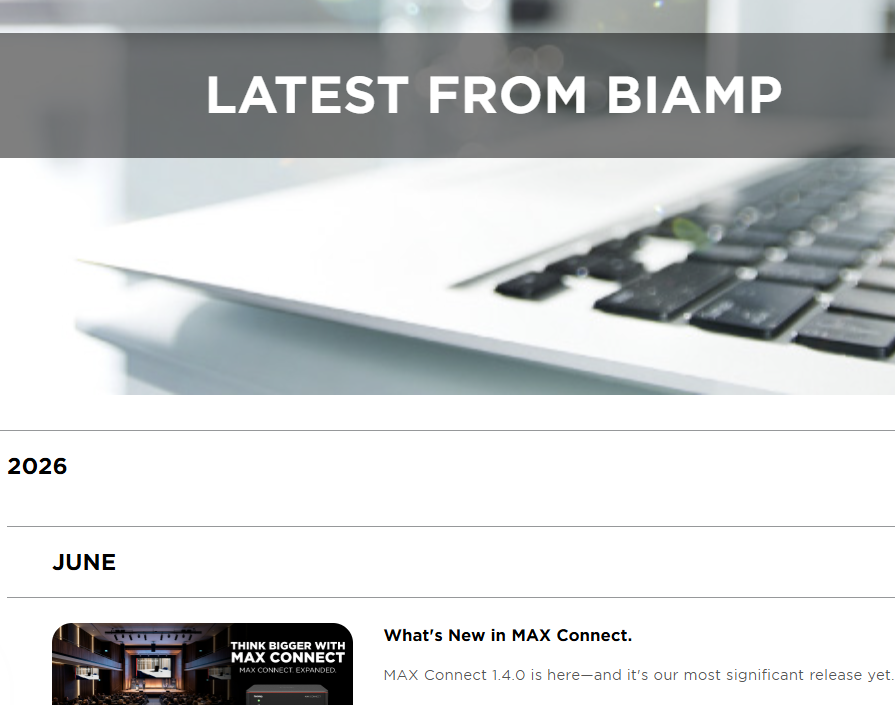
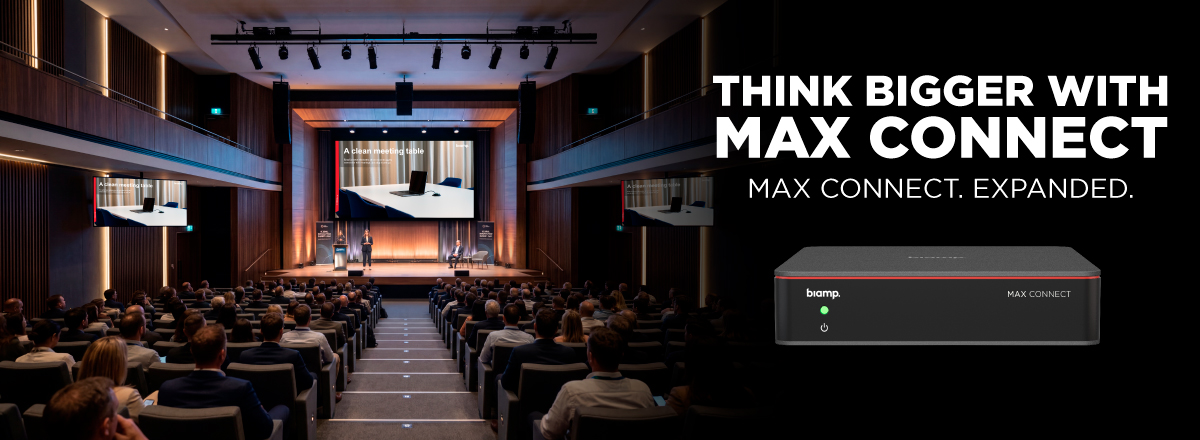
What's New in MAX Connect

MAX Connect 1.4.0 is here—and it's our most significant release yet. Auditorium Mode leads the way, joined by two brand-new apps, AirPlay improvements, and a long list of updates and fixes across the platform.

Auditorium Mode

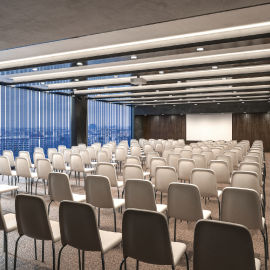
MAX Connect now scales to your largest spaces. With Auditorium Mode, presenters connect with a single cable and their content is automatically distributed across the room and beyond: to the main display, up to 200 participant devices (iOS, Android, laptops, and browsers), and up to six Android Smart Displays using the new MAX Display App.

Whether it's an auditorium, training room, town hall, or overflow area—every participant can easily follow along, no matter where they are.

Auditorium Mode is enabled through a one-time license per device.

Two New Apps

MAX App for Android—Participants on Android devices can now connect, view and share content natively, with no browser required.

MAX Display App for Android—Purpose-built for Auditorium Mode. Turn any Android Smart Display or Android TV dongle into a dedicated content screen, extending your presentation to up to six additional displays across the room.

Also in This Release:

  • AirPlay cross-subnet discovery using Bluetooth
  • Updated UI across Windows, MacOS, iOS, and Moderator apps
  • Embedded firmware updates for the Vidi 280 and Parlé VBC 2800
  • Multiple stability and performance fixes

DOWNLOAD MAX CONNECT 1.4.0  READ THE RELEASE NOTES

About Biamp

  • Company Overview
  • Community Involvement
  • Environmental Commitment
  • Leadership Team
  • Patents

Product Updates
  • New Products
  • Target Incentive Products
  • All Products
  • TAA Compliant Products

Careers

  • Who We Are
  • People
  • Perks
  • Jobs

Partners

  • Blog
  • Press Releases
  • Newsletters
  • Case Studies
  • Installation Gallery

Design Tools & Services

  • Warehouse Designer
  • Classroom Designer
  • Conference Room Designer
  • Loudspeaker Design Services
  • Sound Masking Design Services
  • Revit - BIM
  • Independent Programmers (Authorized)

Technical Support

  • Cornerstone Knowledge Base
  • Contact Tech Support
  • Downloads
  • Declaration of Origin
  • Warranty Information
  • How-To Videos

Training & Certification

  • Training Overview
  • AIA Seminars
  • Webinars

Customer Care

  • Tech Support Map
  • Purchase Terms and Conditions
  • Product Warranty Lookup
  • Repairs / Returns
  • Order Support Map
  • Contact Us
2026 Biamp®
Connecting people through extraordinary audiovisual experiences™
  • Privacy Policy
  • Terms of Use

Contact:

503.641.7287

moc.pmaib@ofnipmaib
News Blog

Social:

  • Follow Biamp on Facebook
  • Follow Biamp on LinkedIn
  • Follow Biamp on Instagram
  • View Biamp's YouTube Channel