


















DEVICE DETAILS
Every Device, Always in View
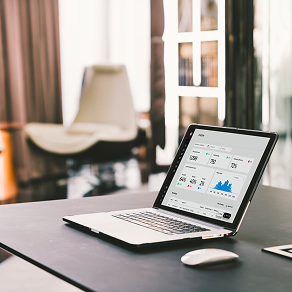
See essential device details at a glance — and act on what you see. Push firmware, reboot, or identify devices remotely from one platform.

Device Status

Firmware Version

Serial Number

Device Location
Locations, devices, users, licenses — Workplace Admin is the single source of truth that every app inherits. Set it up once. Manage everything from anywhere.
Build a location hierarchy that mirrors your real-world spaces — and connect every device,
user, and design to the place it belongs.
Sites, buildings, floors, rooms, desks, and parking spaces
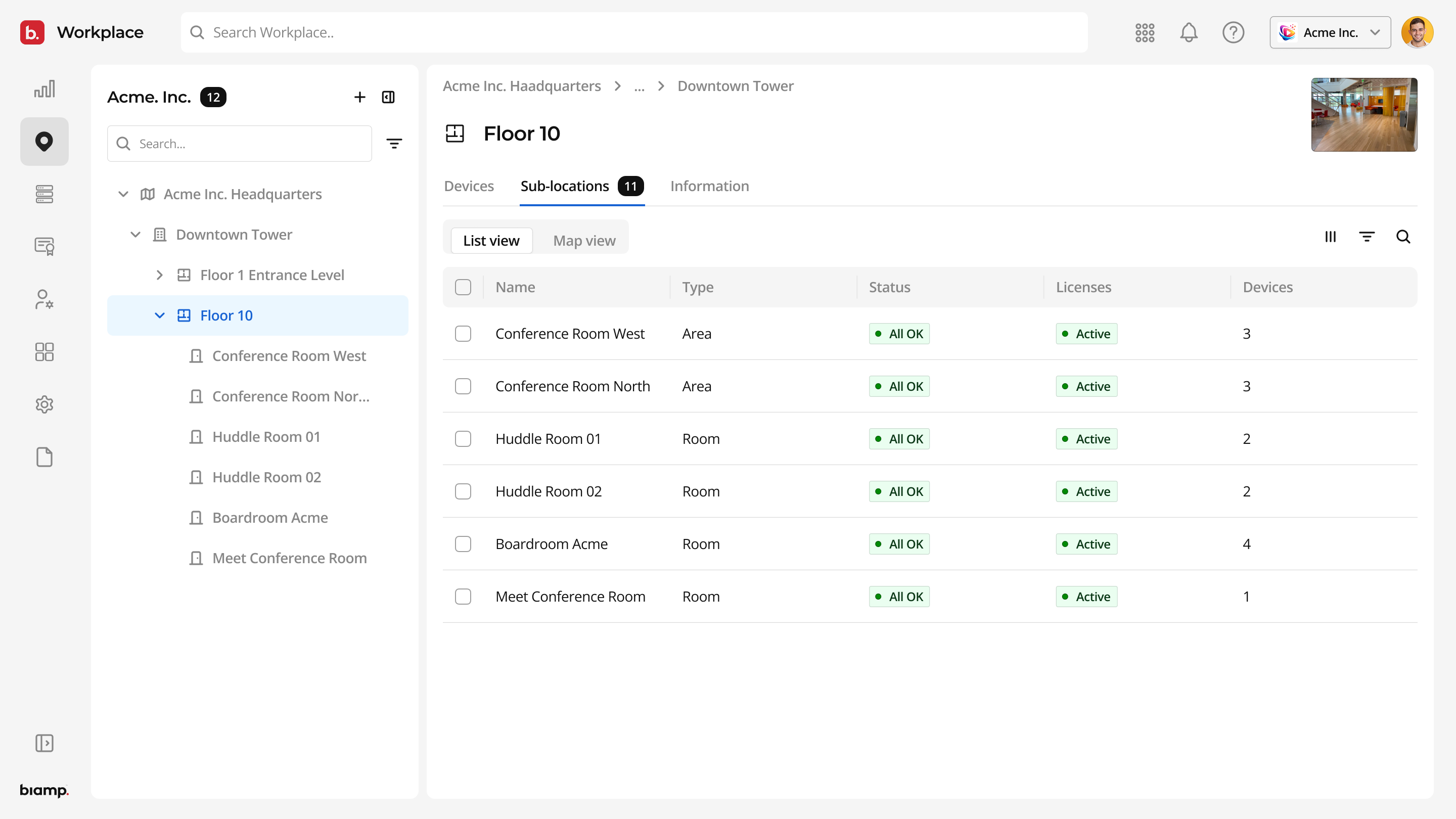
Map devices to the exact spaces they serve
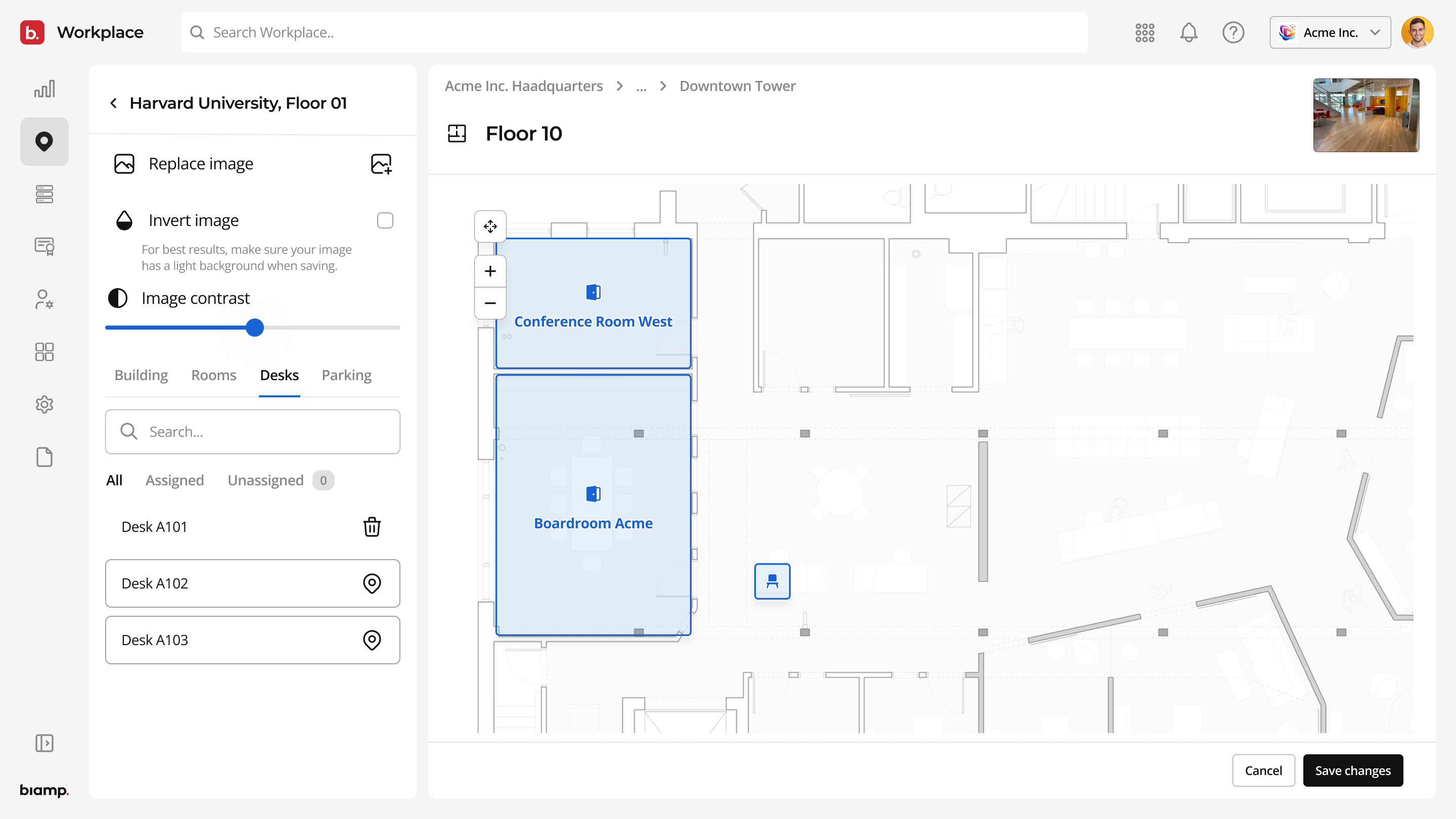
Link users, designs, devices, and licenses to locations
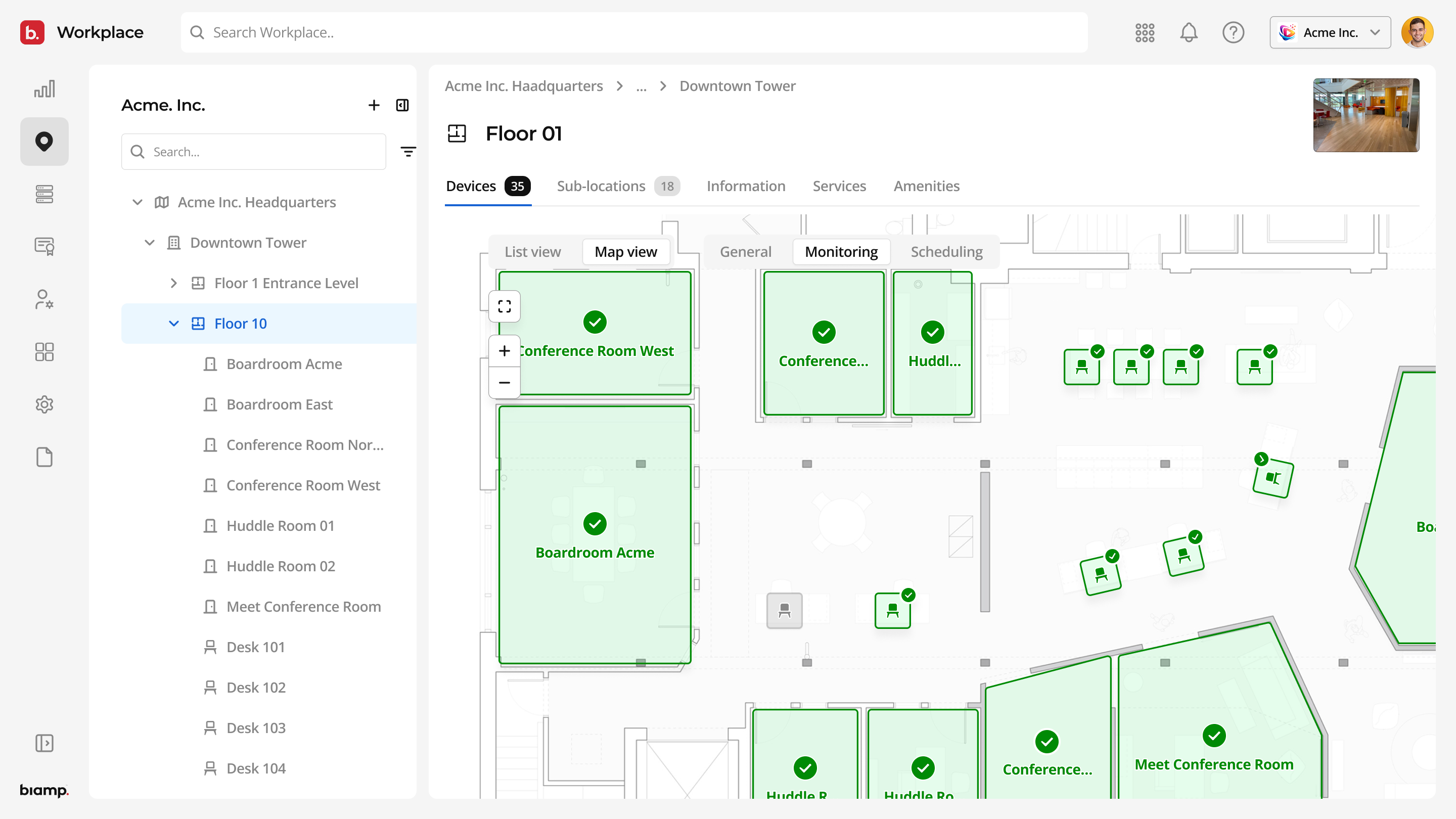
Get Answers Instantly: Ask questions about settings, values, and configuration directly in the tool, without searching manuals or switching tools.
Stay in Your Workflow: Access guidance and documentation in context, so you can keep moving without interruptions or context switching.
Configure with Confidence: Understand settings and options before applying changes, reducing errors and avoiding unnecessary rework or site visits.
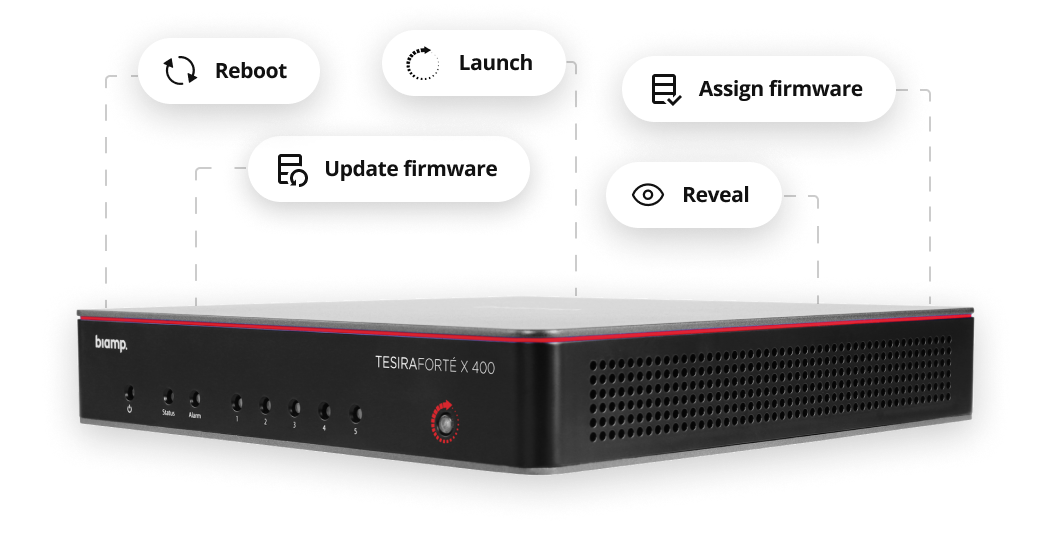
See essential device details at a glance — and act on what you see. Push firmware, reboot, or identify devices remotely from one platform.
Device Status
Firmware Version
Serial Number
Device Location
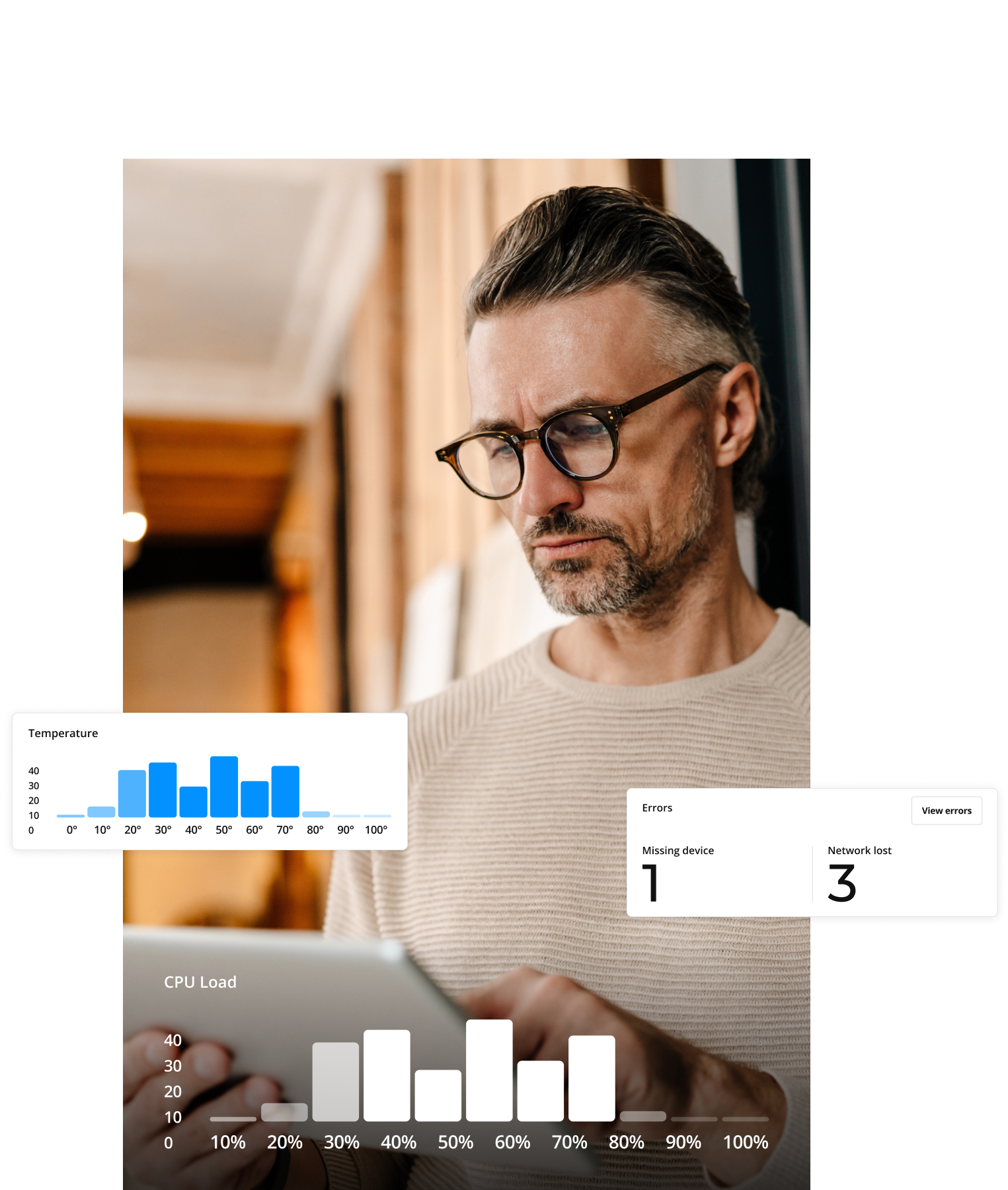


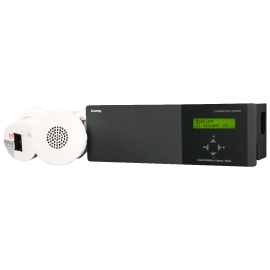
Tuning your sound has never been easier. With Biamp Launch's new remote trigger, you can now initiate room audio tuning from anywhere. Manage reports, gain instant insights, and access error logs with ease.
Automatic Room Tuning
Remote Trigger
Detailed Post-Tuning Report
Shortens Commissioning Time
Consistent Performance
Zero Programming
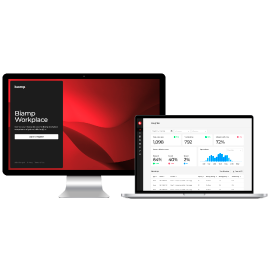
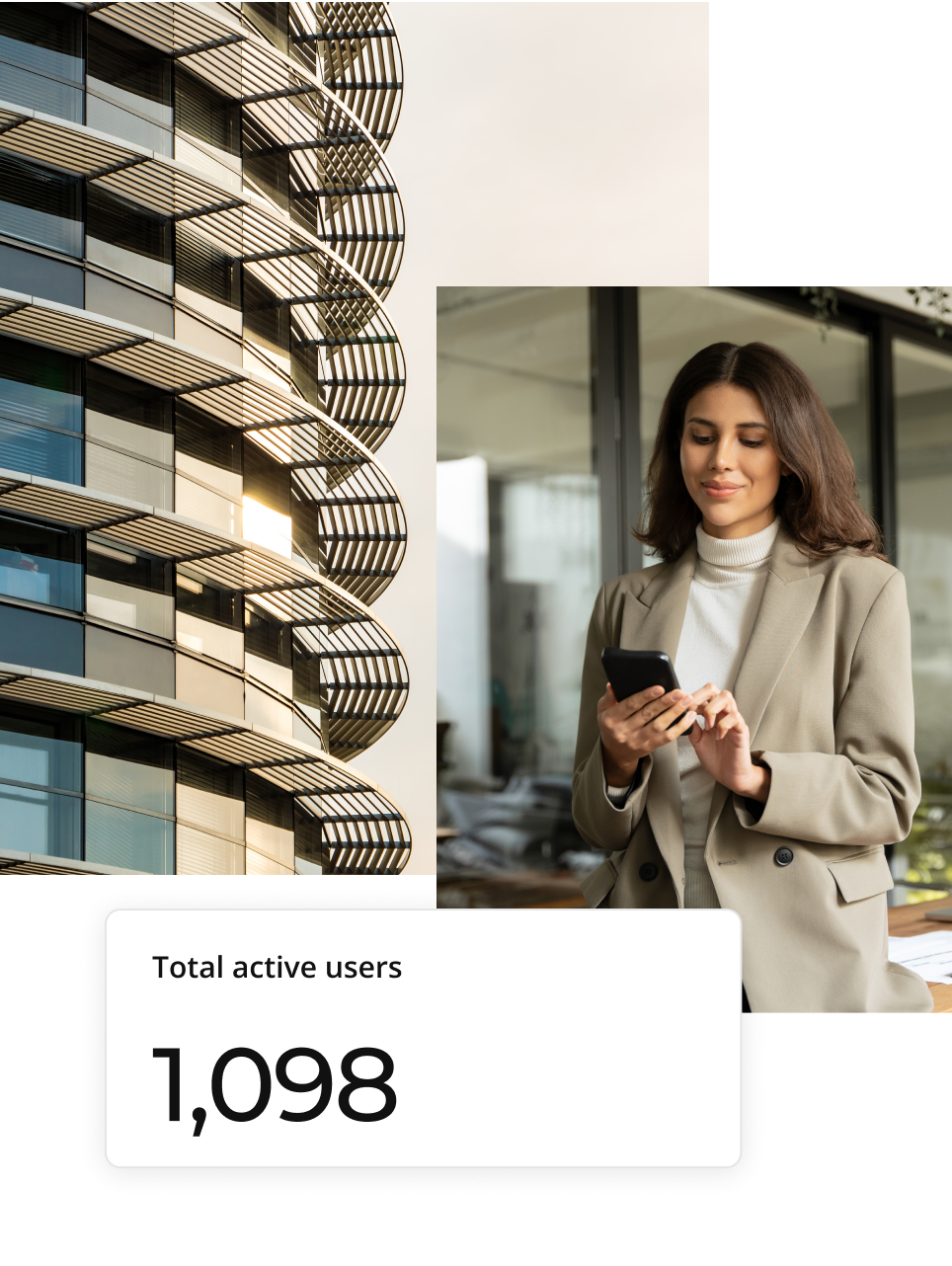
Get intuitive, visual analytics that show how your spaces are really used. From room bookings to peak hours and user activity, all your key metrics are in one simple dashboard.
Schedule A Demo.png?sfvrsn=26ebf780_3 "Workplace Insights first ticker first slide")


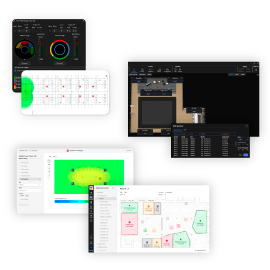
Integrate Biamp Workplace with your existing systems, export and analyze workplace data, and surface the insights you need to optimize operations across rooms, devices, and environments.

Configure device settings across the AV system

Update firmware locally, even without internet access

Update firmware locally, even without internet access

Resolve issues, adjust settings, and keep spaces running without an on-site visit. Command uses Admin's device inventory and user roles, so authorized users can act fast — no extra setup required.
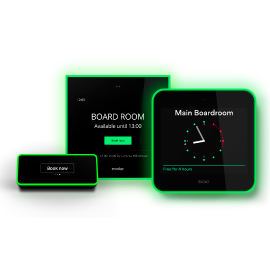
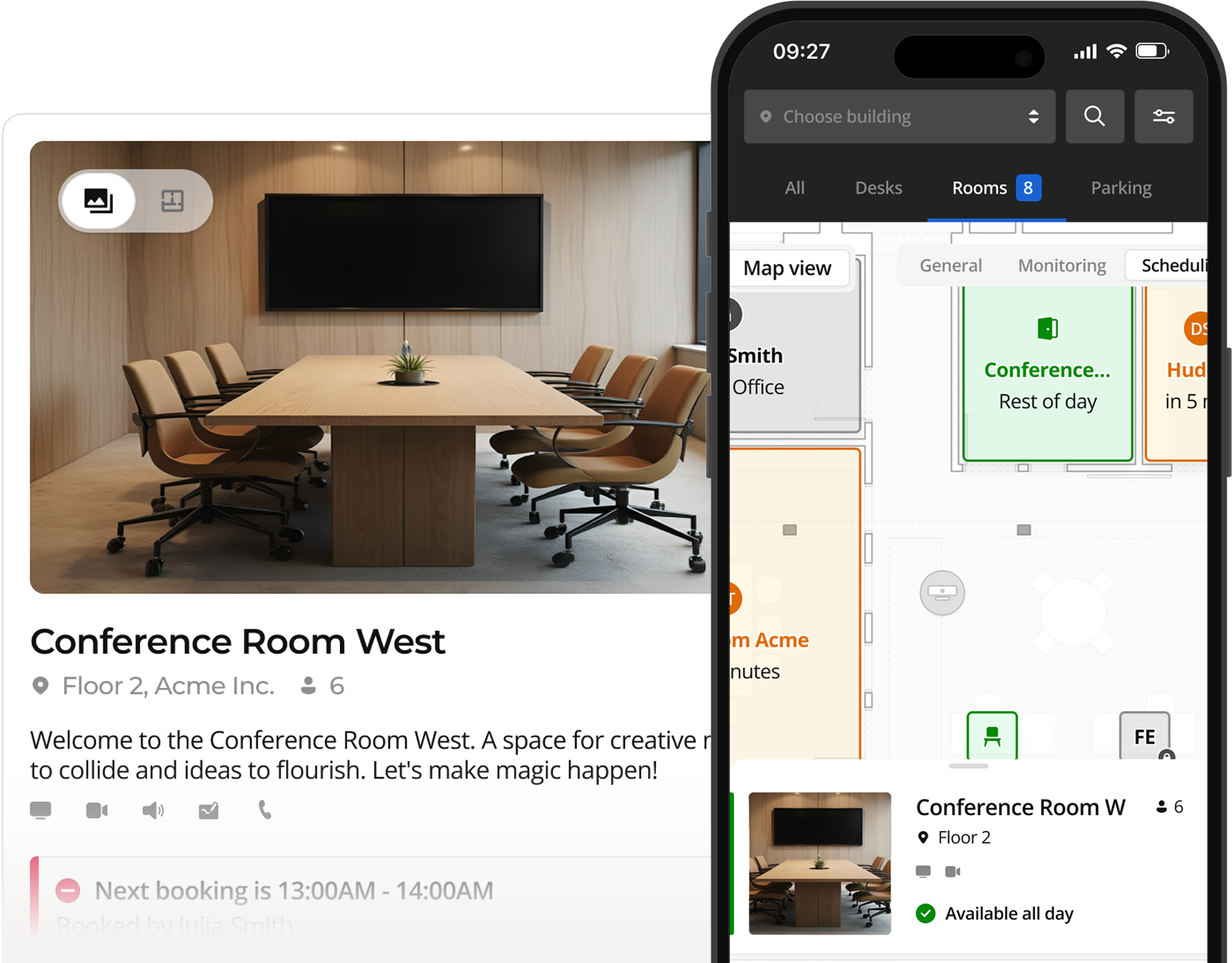
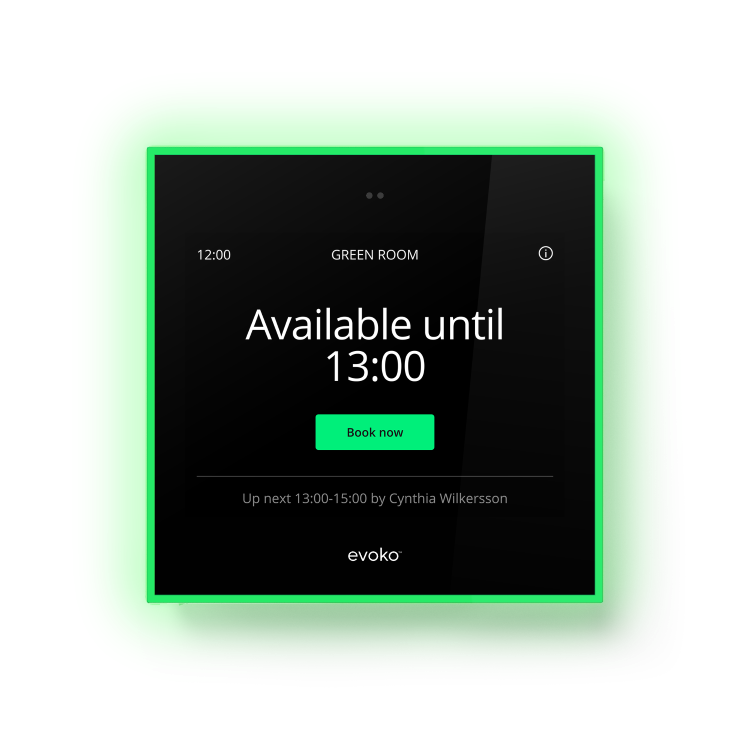
Let employees find and book the rooms, desks, and shared spaces they need. Booking maps to Admin's location hierarchy, so every floor plan and resource is already in place.
Move from device discovery to fully commissioned in one tool, on-site or remotely. Tools writes directly into Admin's device inventory, so every system is ready to manage the moment it's deployed.
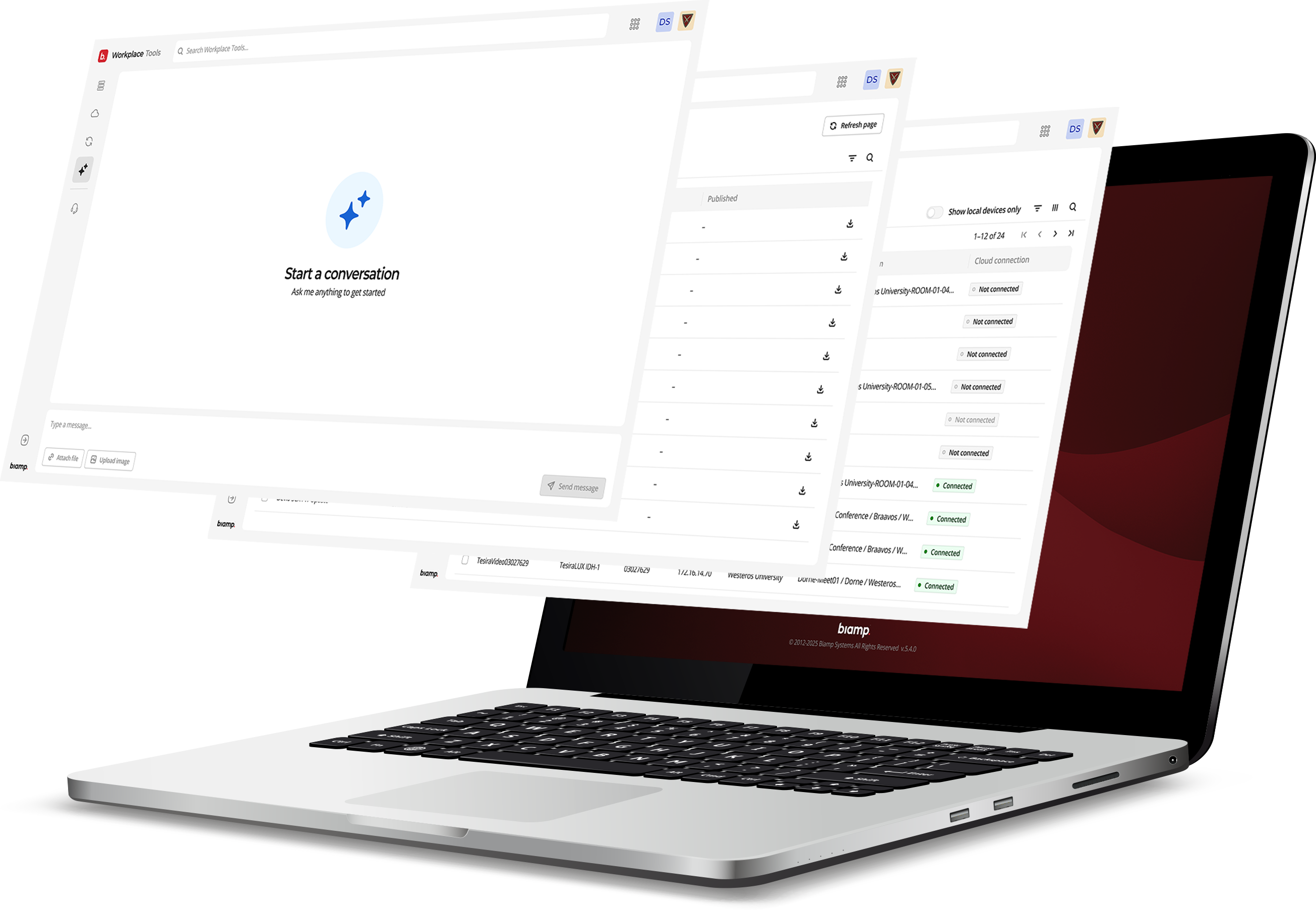
Manage your system remotely through a secure web interface, giving you the flexibility to respond to issues quickly and reduce the need for on-site visits. Stay in control, no matter where you are.
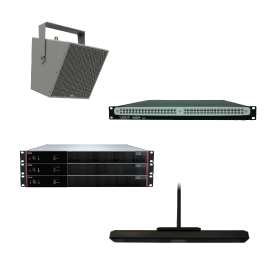
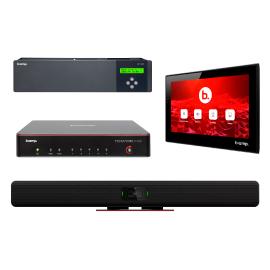
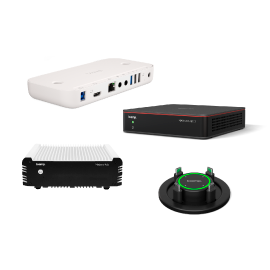
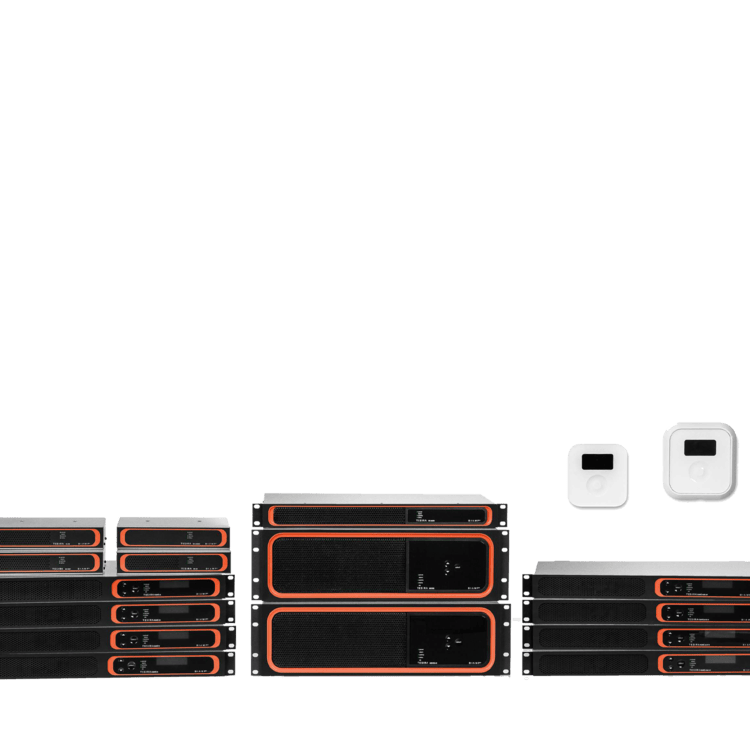
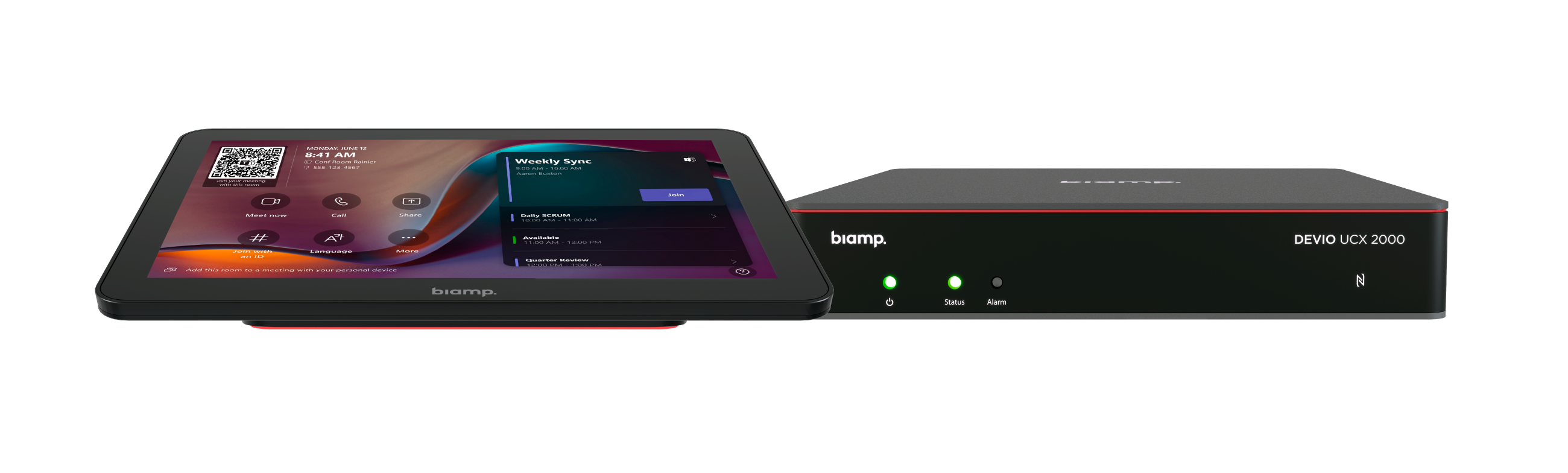
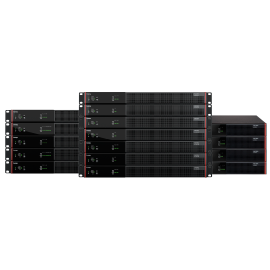
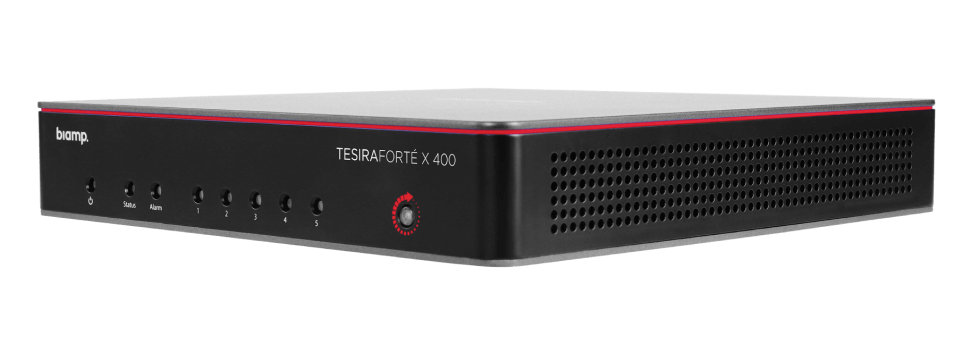
Harness the extensive range of Biamp AV hardware and enhance it with a powerful cloud management solution.
Explore a variety of resources designed to help you get the most out of Biamp Workplace.

Explore detailed articles and insights to learn more about every aspect of Biamp Workplace.

Access in-depth guides, troubleshooting tips, and expert resources to resolve issues quickly.

Free, comprehensive training to enhance your knowledge of Biamp Workplace, tailored for all experience levels.

Get help directly from our support team for any issues or questions you may have.