















Workplace Booking

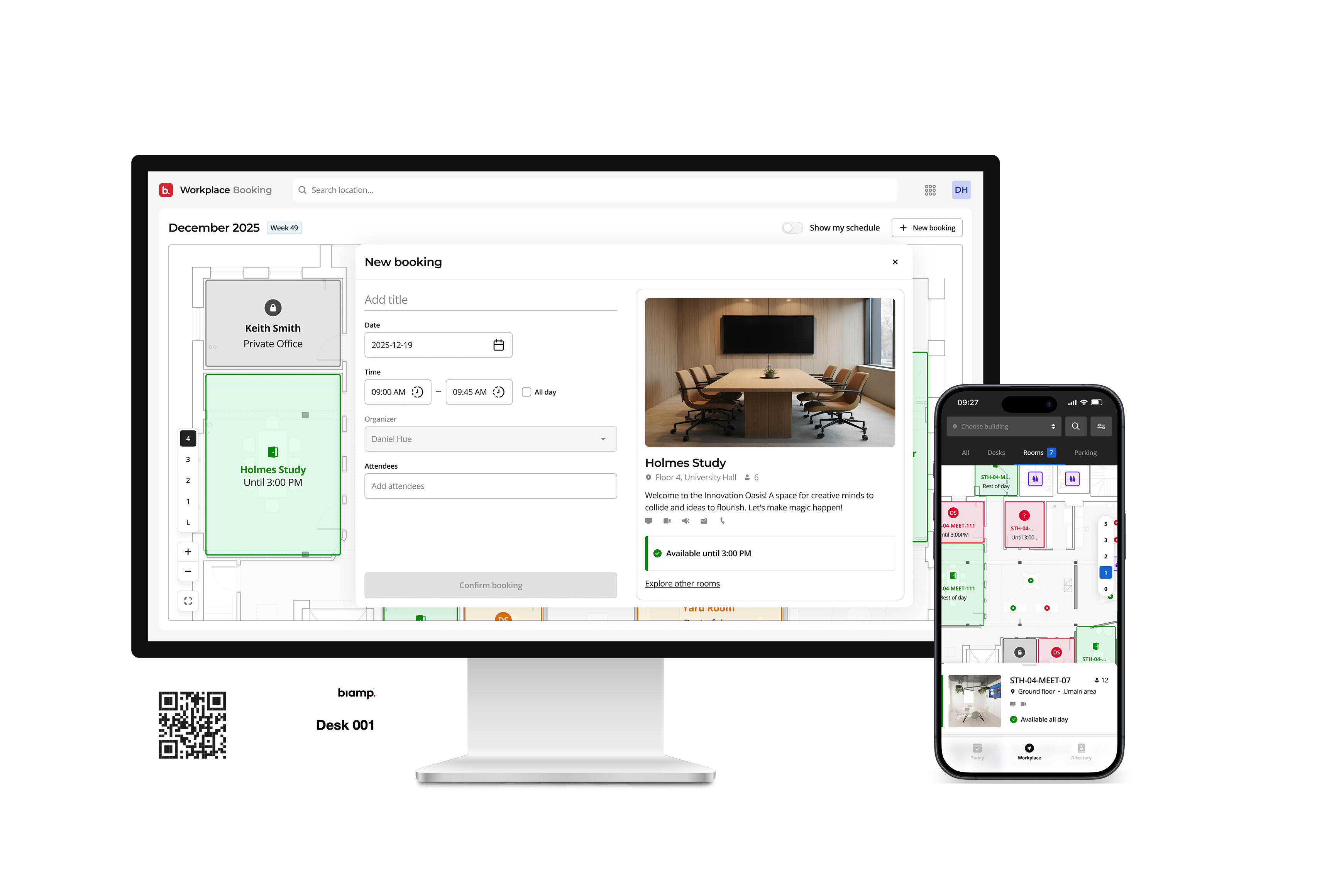
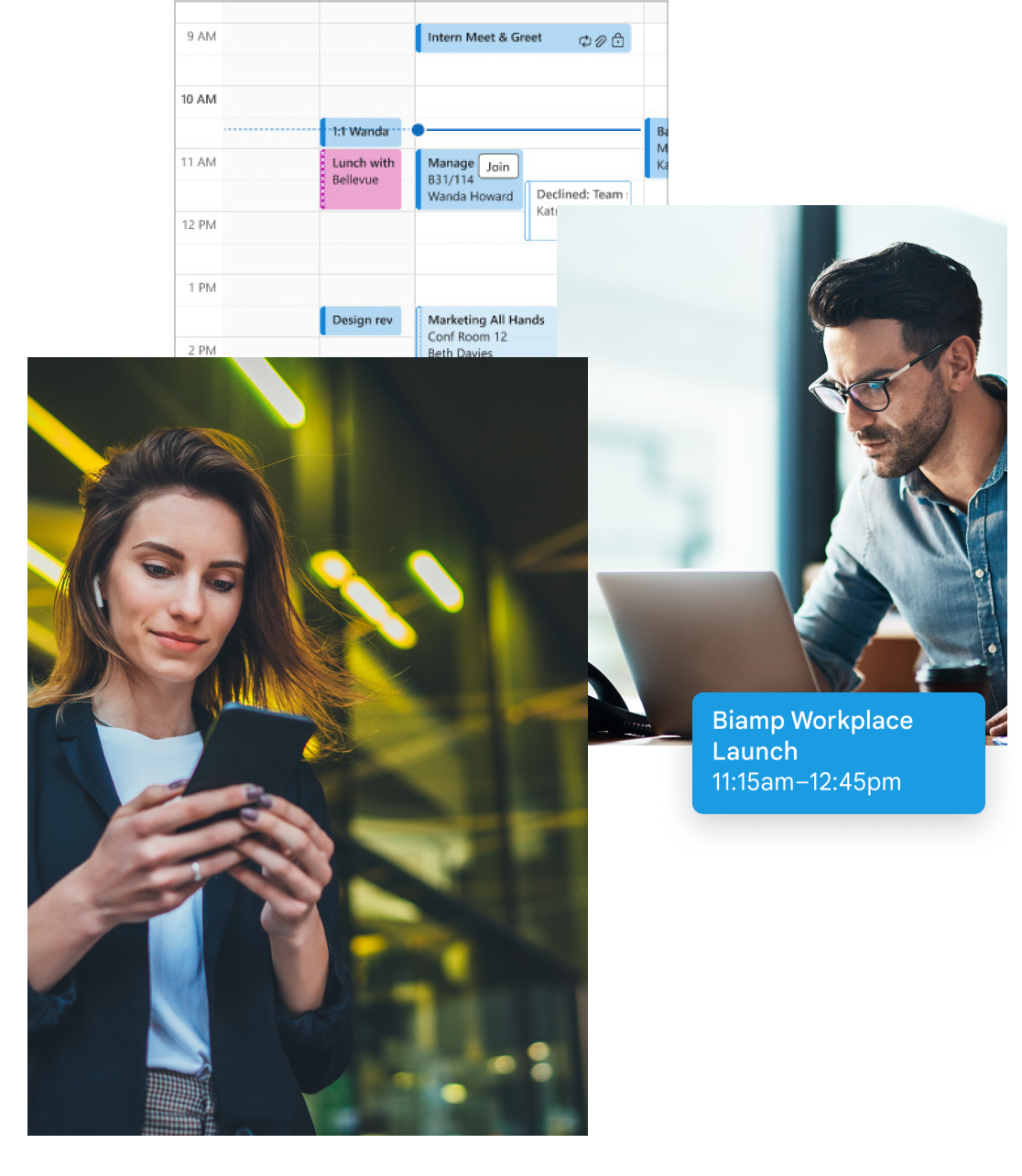
Make every space findable, bookable, and accountable. Real-time availability, visual floor plans, and calendar integration that works across desks, rooms, and shared resources — from any device.


Workplace Booking Hero

Mobile Icon

Booking App

Floor Plan Icon

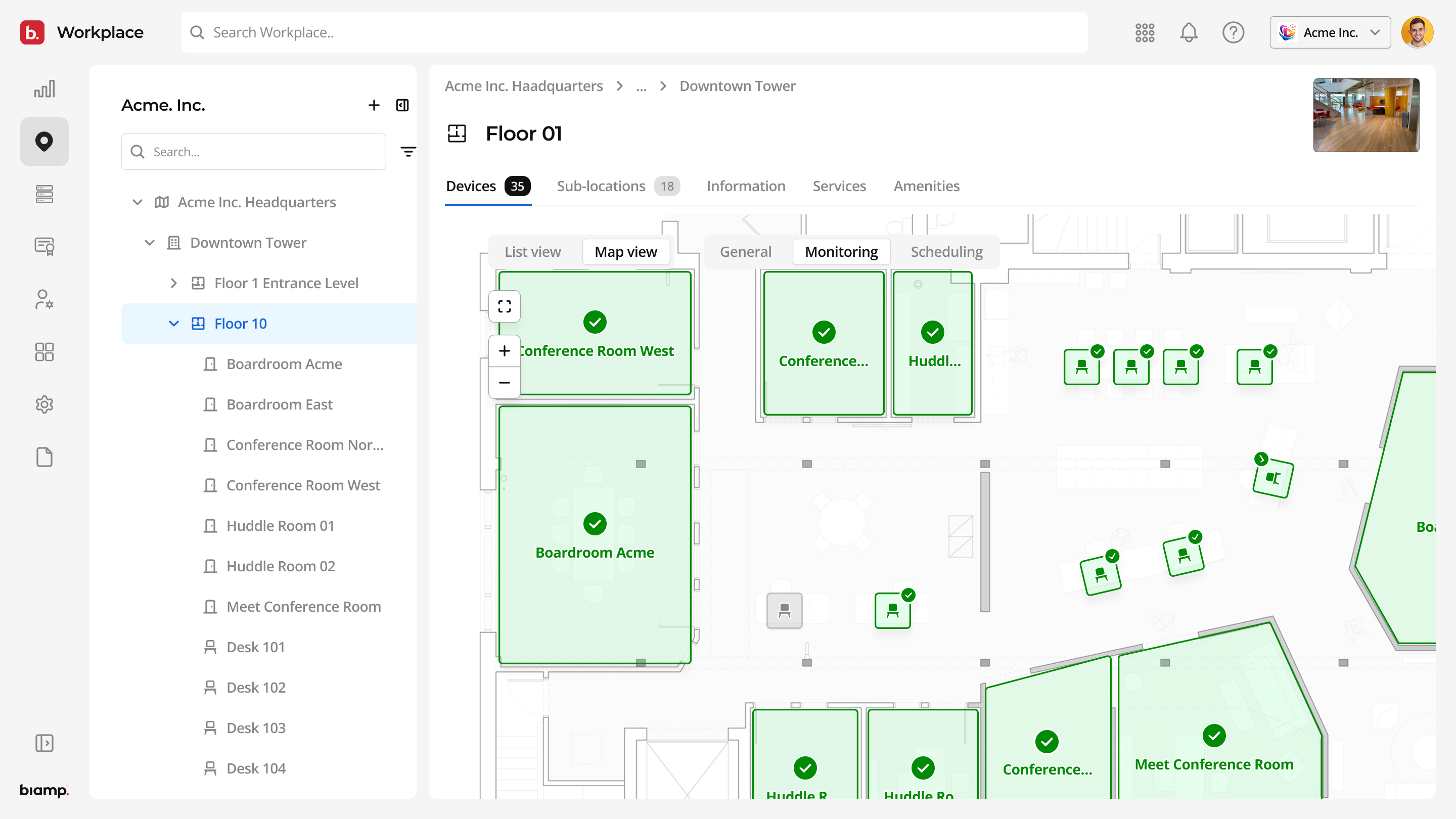
Visual Floor Plans

Outlook Icon

Calendar Integration

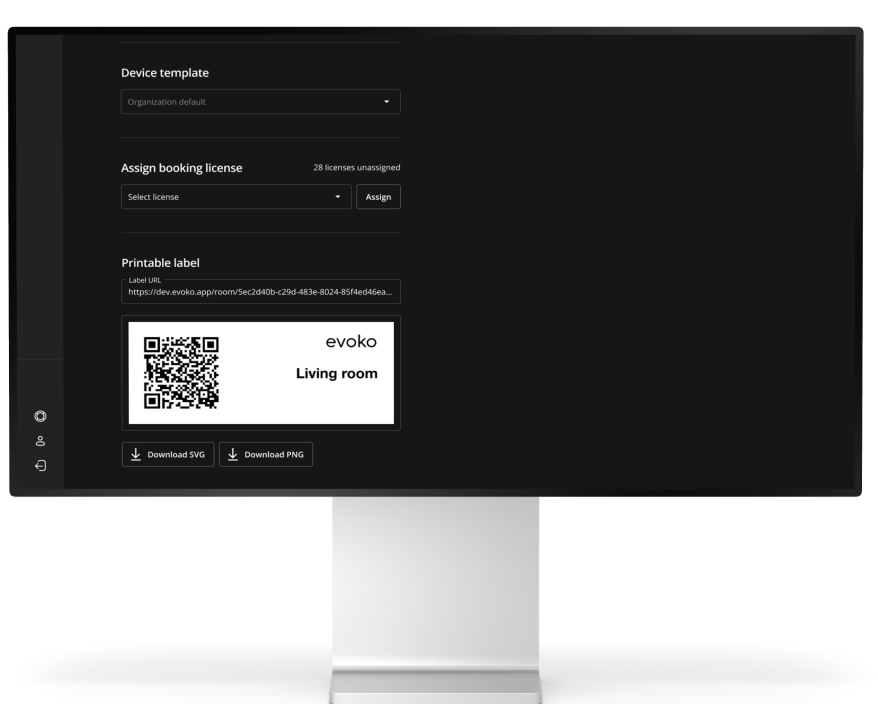
QR Code Icon

QR Check-In

Cloud Storage Icon

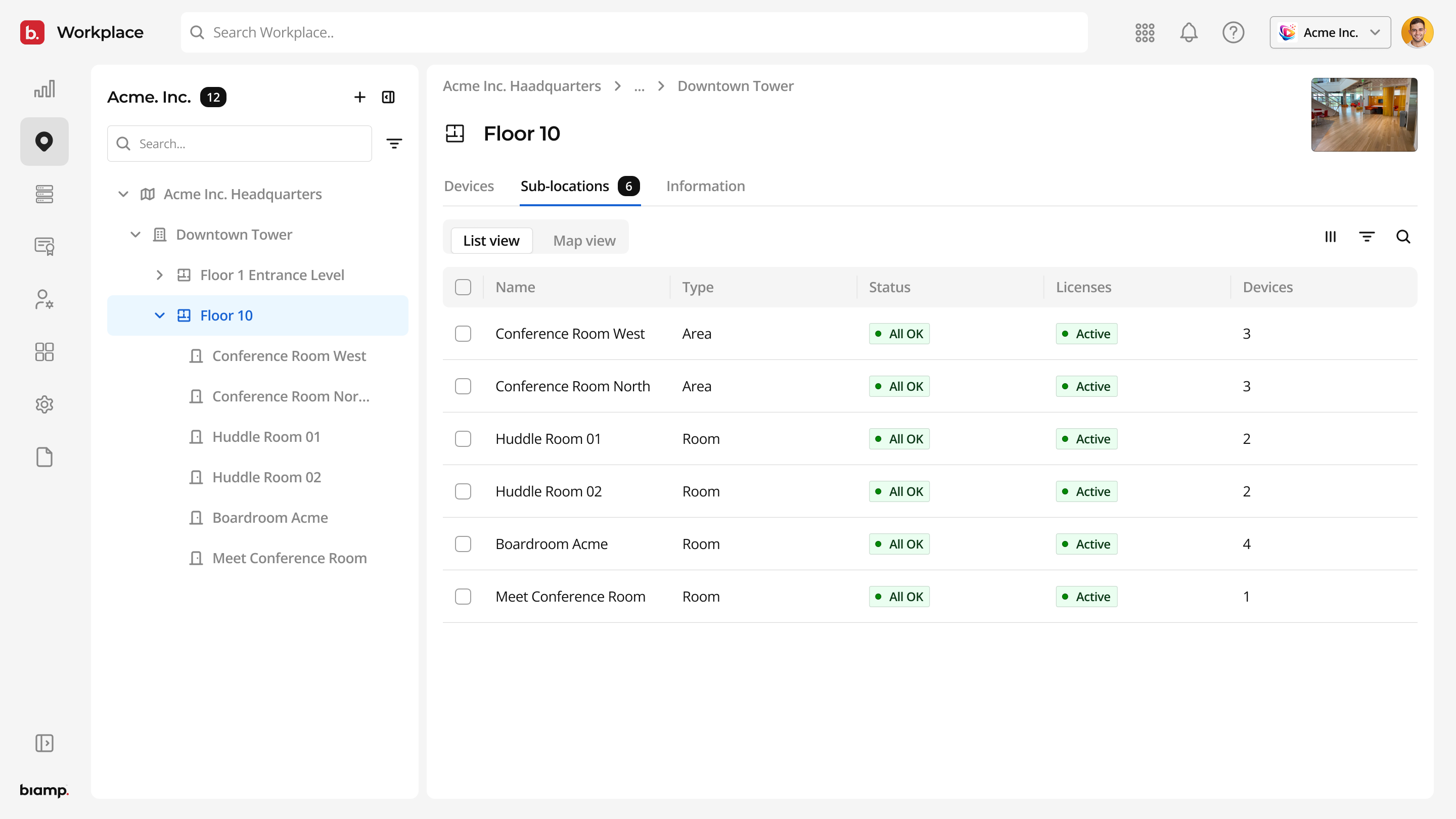
Overview Screens

Workplace Integration

Integrated with Your Calendar

Biamp Workplace integrates seamlessly with your existing calendar system, simplifying the synchronization of all bookings. Optimized for room bookings, it helps both admins and users stay in sync with ease and efficiency.

Workspace Management

Managing Made Easy

Booking that works the way your organization works. Map your real-world spaces, set the rules that govern them, and let Workplace Booking handle the rest.

Discover The Workplace Booking App for Seamless Scheduling

Easily book rooms, desks or any other space with real-time availability and seamless calendar integration, ensuring a smooth and efficient booking experience every time.

Apple App Store

Interactive Floor Plan

Find a Room,
Make it Yours

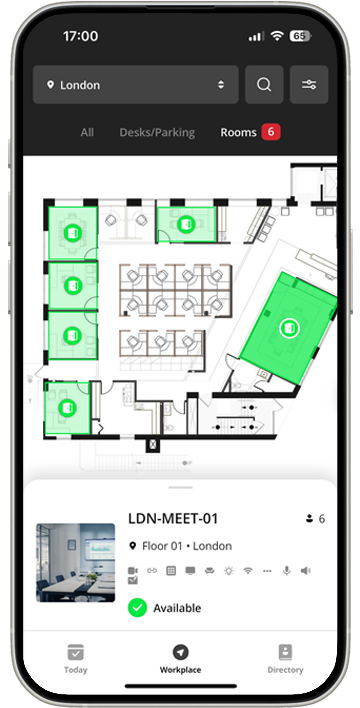
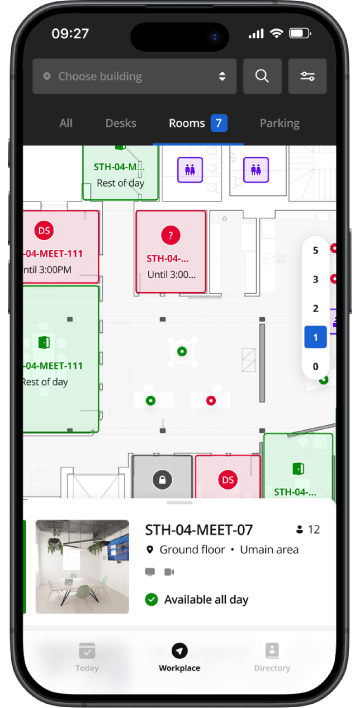
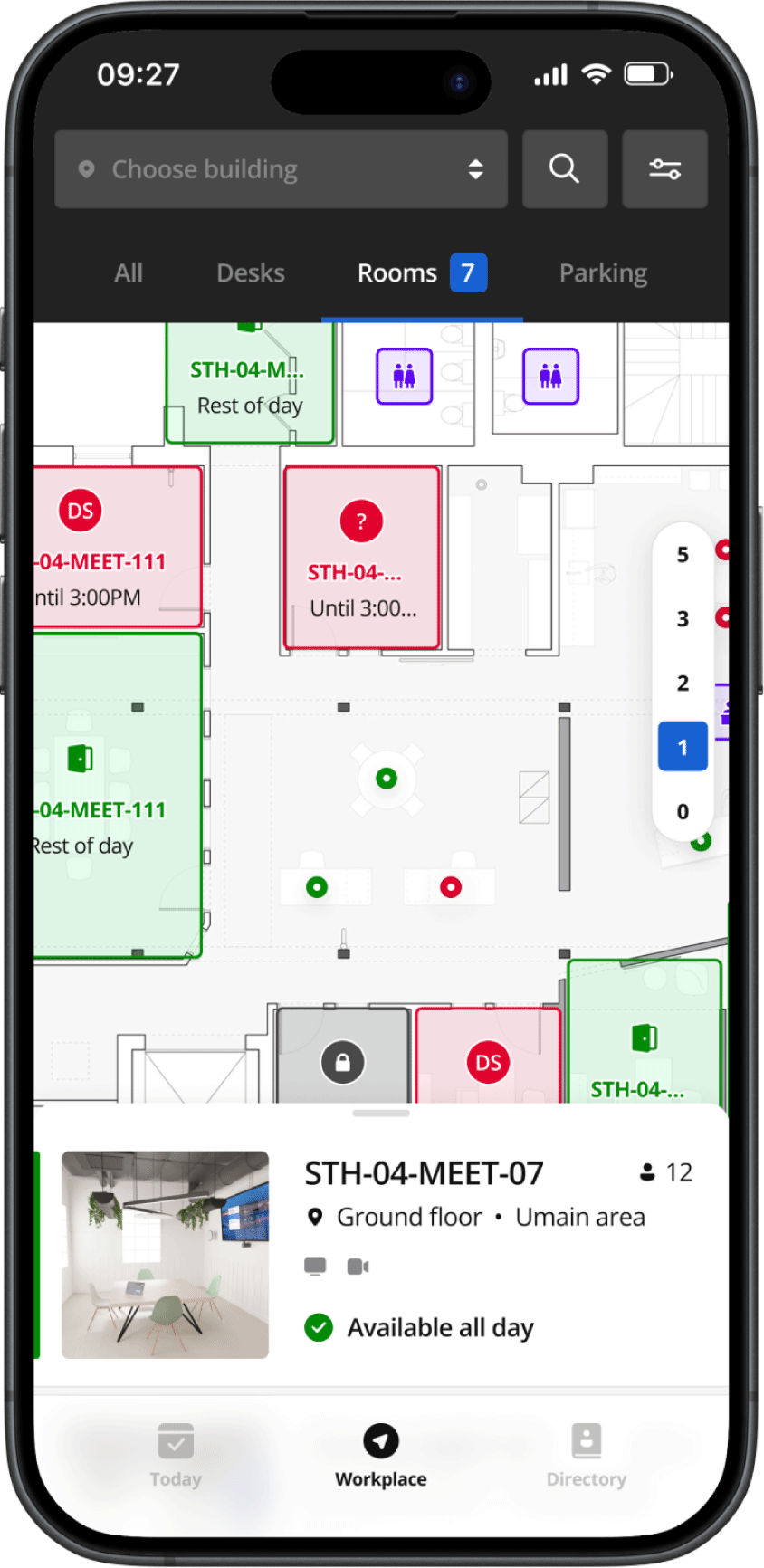
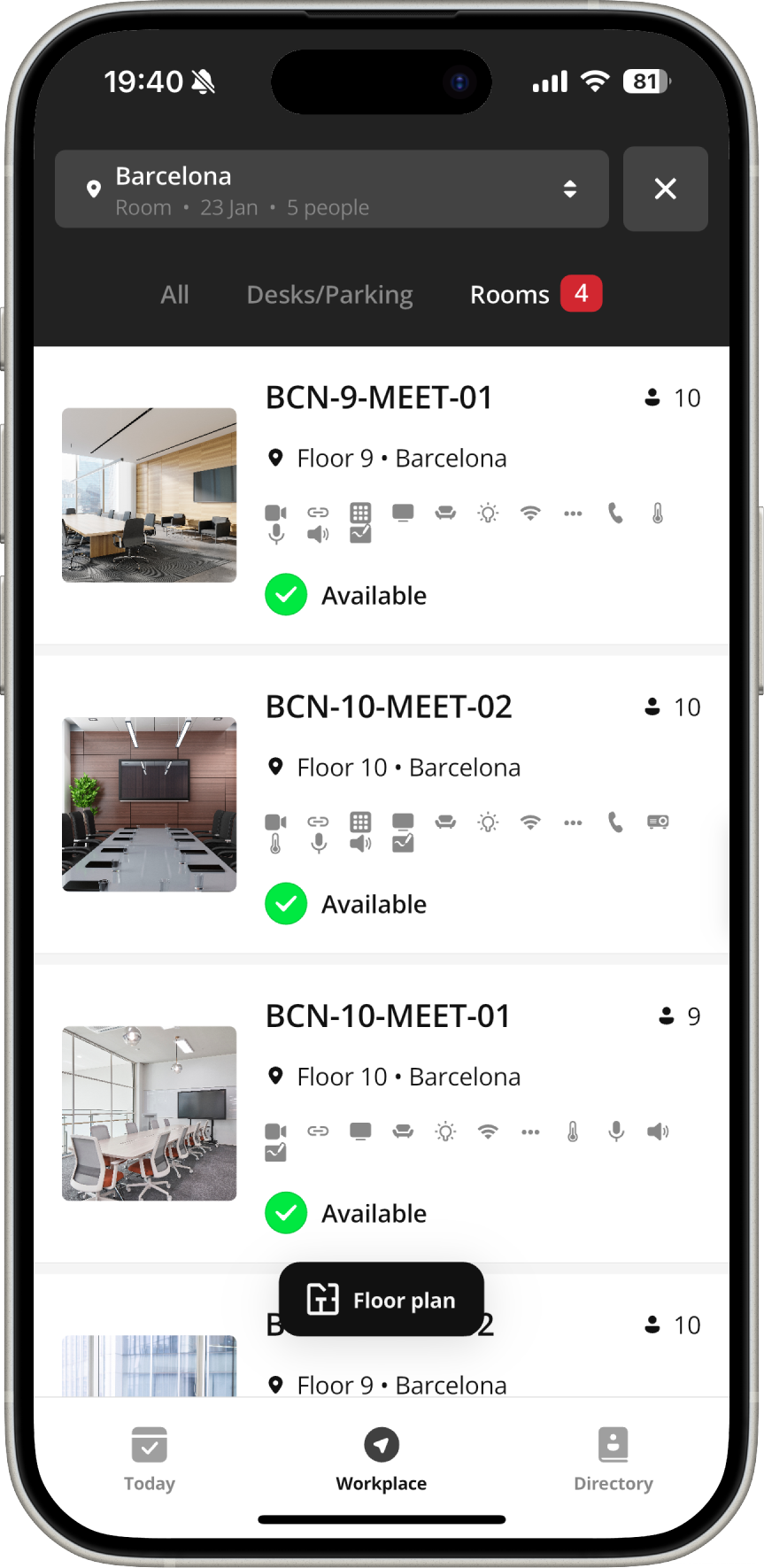
Use the interactive floor plan to search for an available room or desk. Then, simply book and check-in with ease.

Advanced Filtering

Your Space,
Your Rules

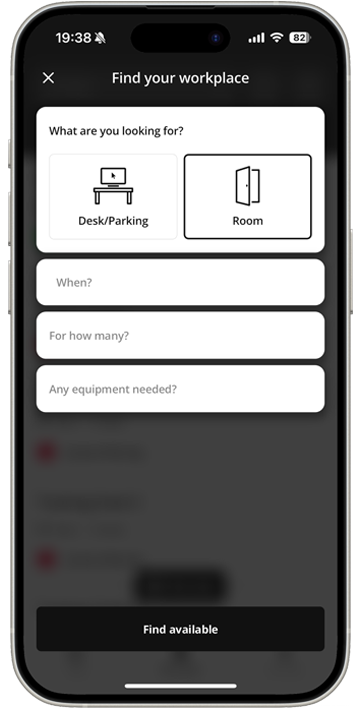
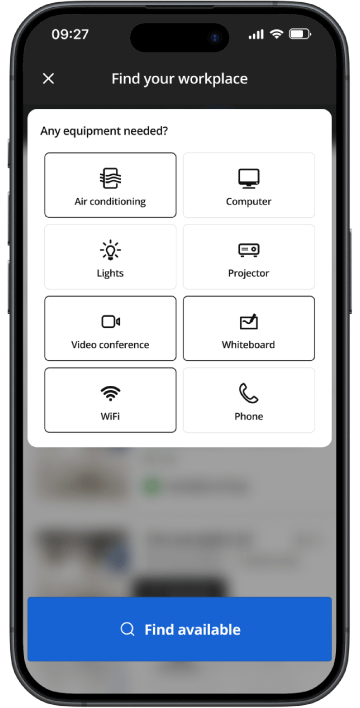
Take control and discover your ideal space effortlessly with our customizable filters tailored to your needs.

Extensive Room Details

Leave Nothing
to Chance

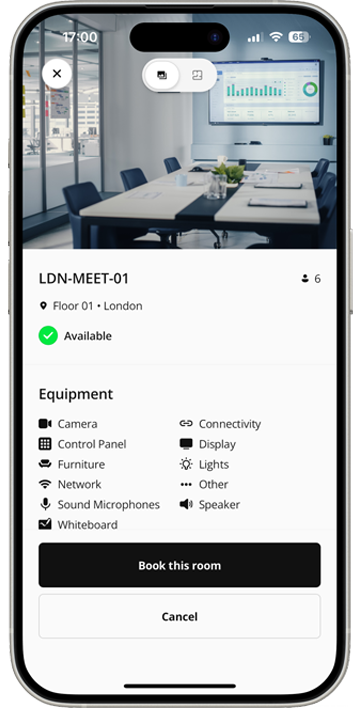
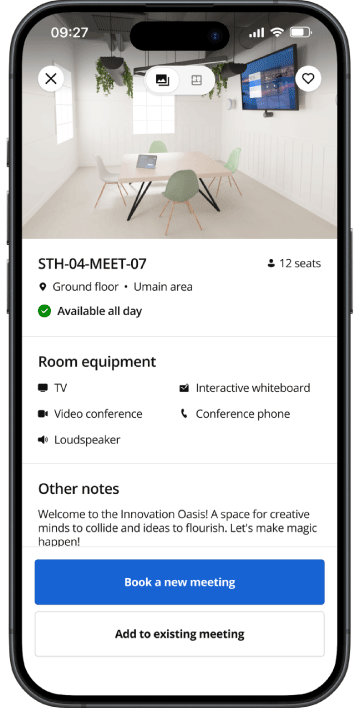
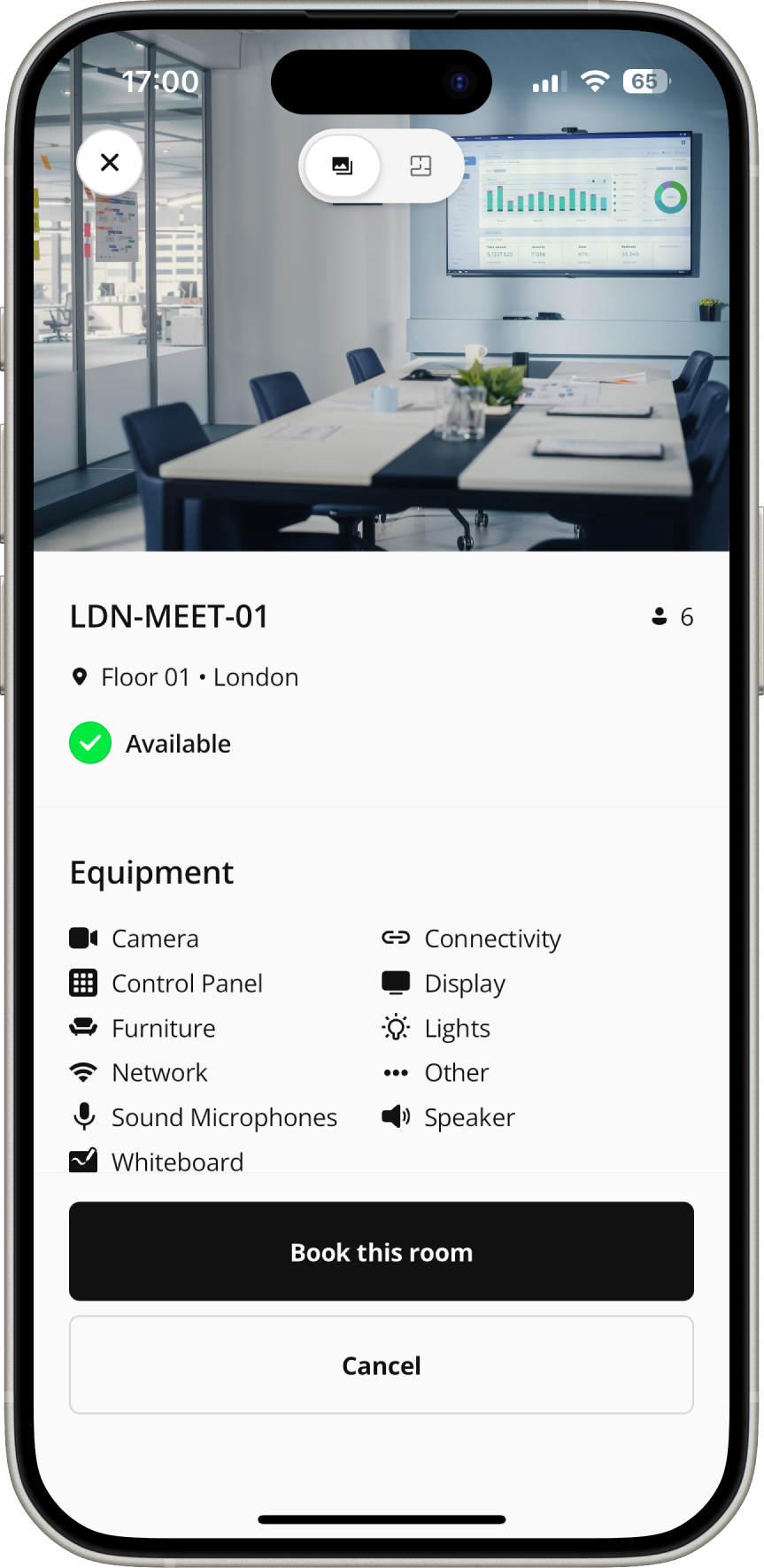
Finding the ideal meeting room is simple with a detailed image, equipment list, capacity, and location provided for each room.

Mobile app interface showing a floor map of meeting rooms in Biamp Workplace.
Meeting room details screen in Biamp Workplace app showing STH-04-MEET-07 with 12 seats, available all day, equipped with TV, interactive whiteboard, video conference, conference phone, and loudspeaker.
Biamp Workplace app screen displaying equipment filter options for finding a workspace.

Manage and Create Meetings

Last-Minute Changes? No Problem!

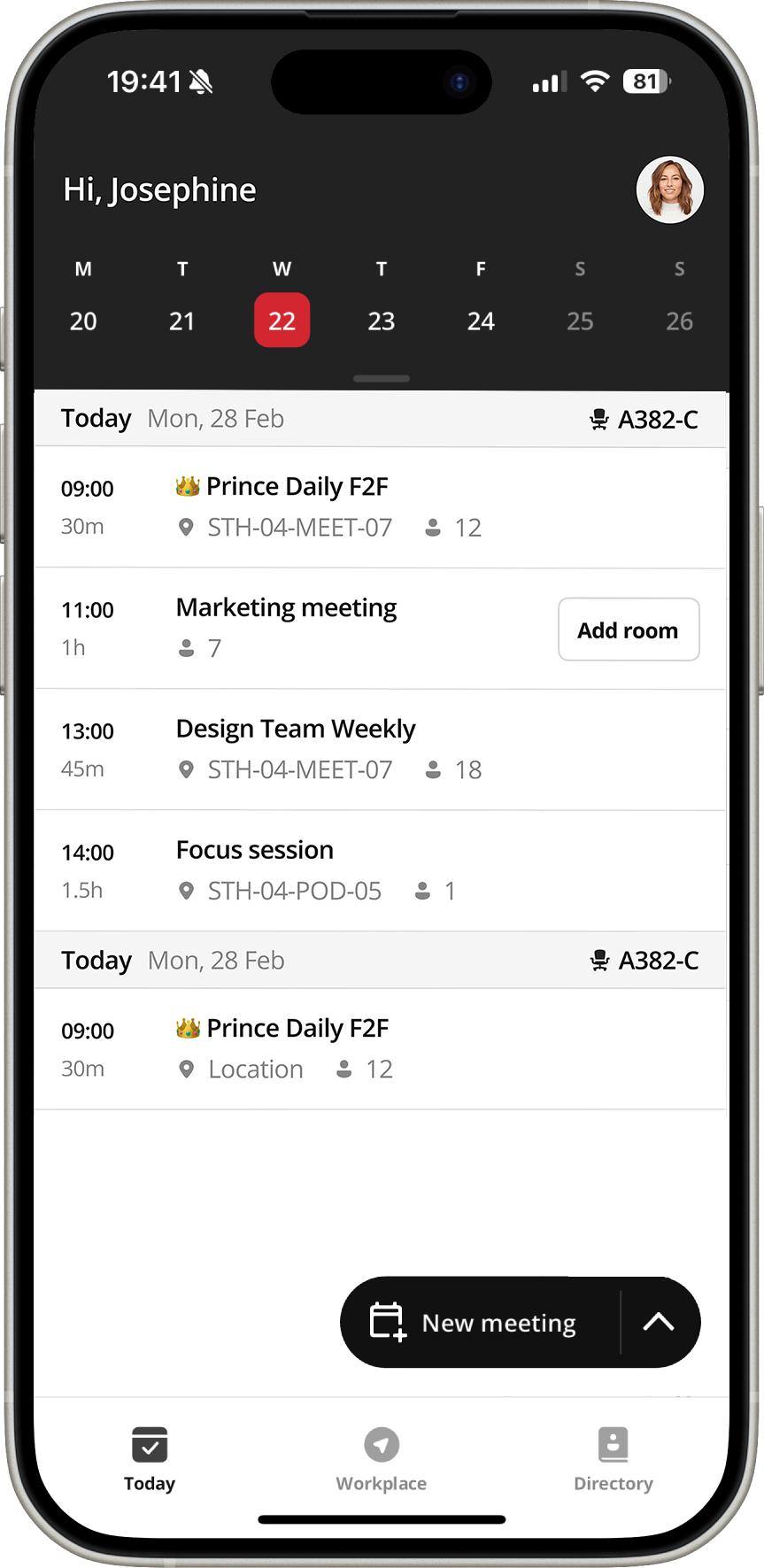
Adjust your upcoming meetings with ease. Add a room, change a meeting time, or remove a guest, all with the tip of your finger.

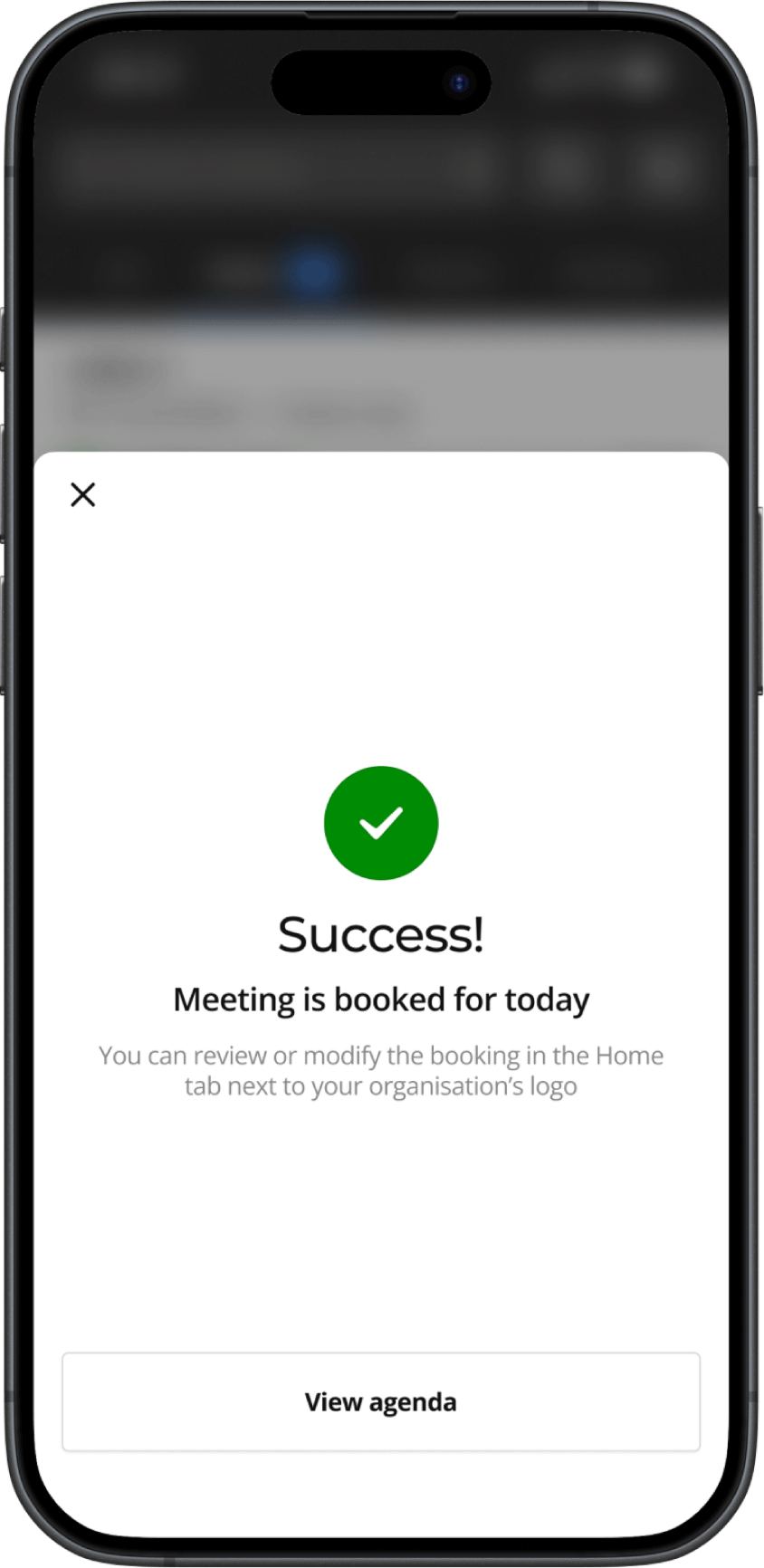
Workplace Booking Phone 3Workplace Booking Phone 4Success - Meeting is booked for today - phone confirmationSTH-04-MEET-07 Available all dayWorkplace Booking Phone 7

Transform Insights into Actions

Leverage Data to Maximize Your Organization’s ROI

Turn valuable data into actionable insights with Biamp Workplace. Make data-driven decisions for your spaces and AV platform, using metrics like utilization rates, peak office hours, active users, and bookings per location to optimize performance and drive ROI.

Learn which desks are most in demand and adjust the layout to improve overall desk utilization.

Understand which rooms are most frequently booked and adjust your space allocation to meet demand.

Discover which areas are underused and reconfigure them to maximize efficiency and collaboration.

Identify peak usage times for rooms and desks, and adjust booking policies to optimize availability.

Understand space utilization trends and reallocate resources to improve efficiency across your workspace.

Enterprise-Ready Scheduling for Any Size Organization

Manage Scheduling Settings Remotely

Manage your Biamp hardware effortlessly — adjust settings and update firmware, all from one platform.

Scalable to Fit Your Organization's Growth

Scalable for any organization, from single offices to global enterprises, with multi-organization support for seamless account management.

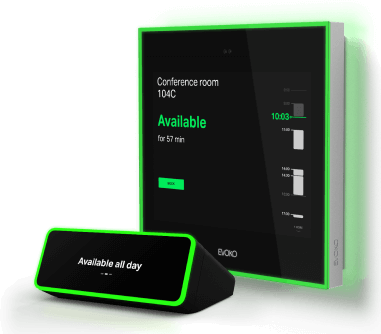
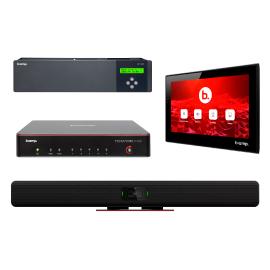
Elevate Your Scheduling Experience with the Best Hardware

Keep track of all ongoing and upcoming bookings. This tool allows administrators and receptionists to reserve a desk or a room for any user within the organization or modify an existing reservation.

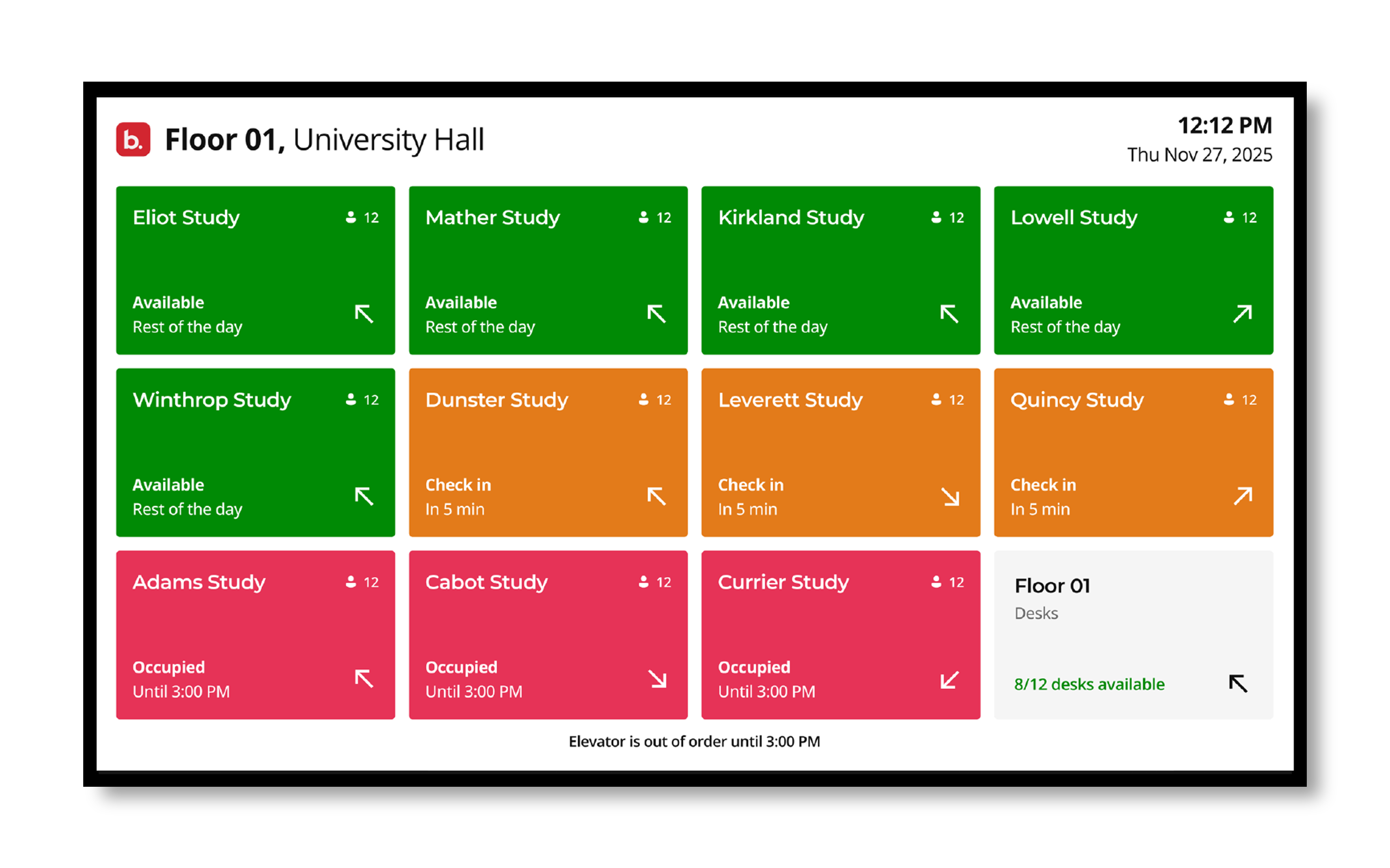
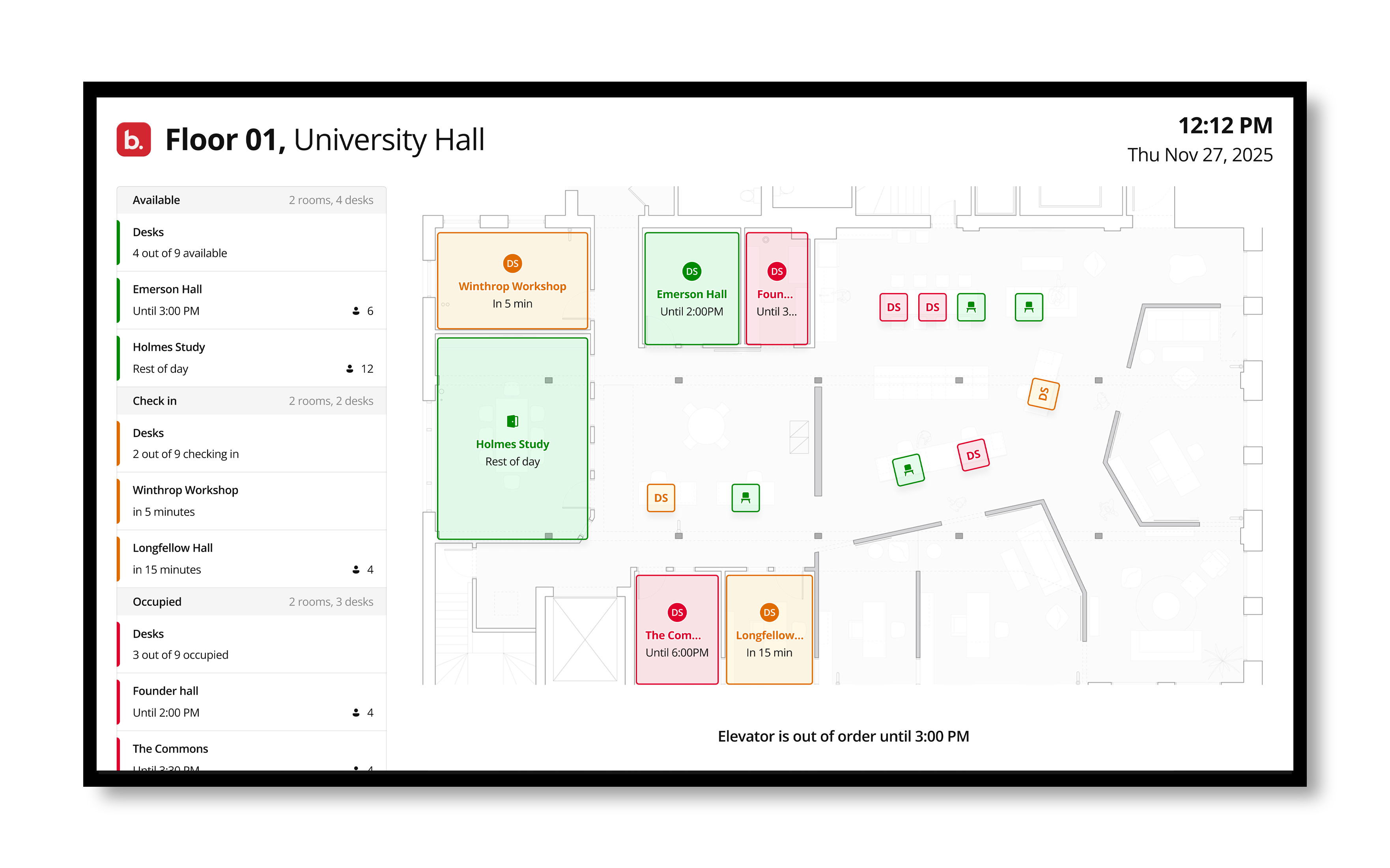
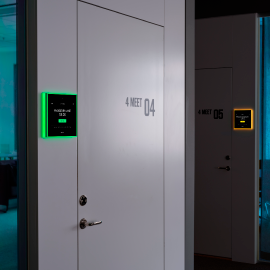
Discover available spaces. Use the overview screen to ensure seamless access to meeting spaces and desks for enhanced productivity and collaboration.

University Scheduling graphic

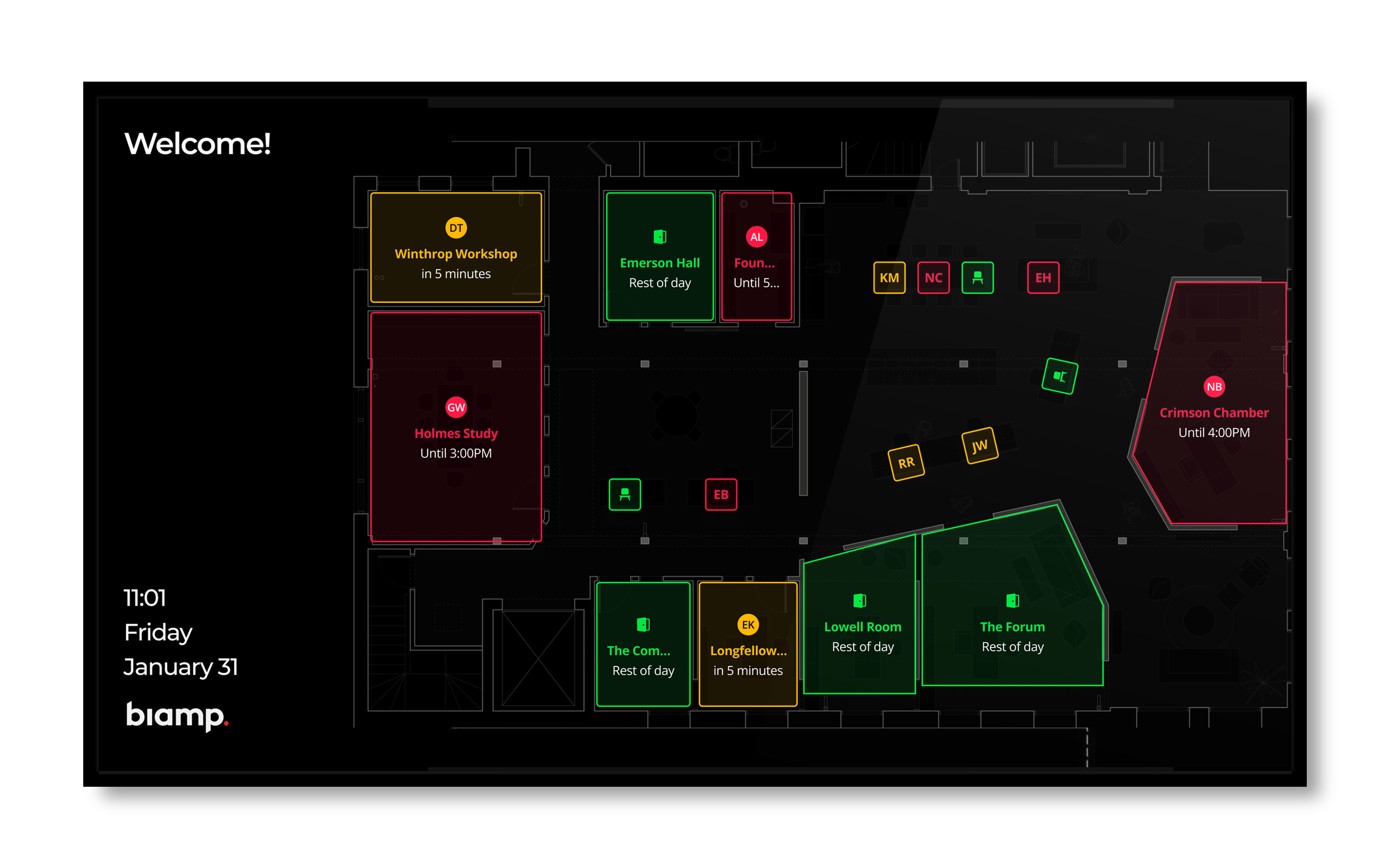
Navigate brilliance. Effortlessly explore the workspace layout using the Overview screen, providing a convenient view of the floor plan to facilitate smooth navigation and decision-making.

loor plan interface showing real-time room occupancy with color-coded outlines. Red rooms such as “Holmes Study” and “Crimson Chamber” indicate occupied, yellow rooms like “Winthrop Workshop” and “Longfellow” indicate upcoming meetings

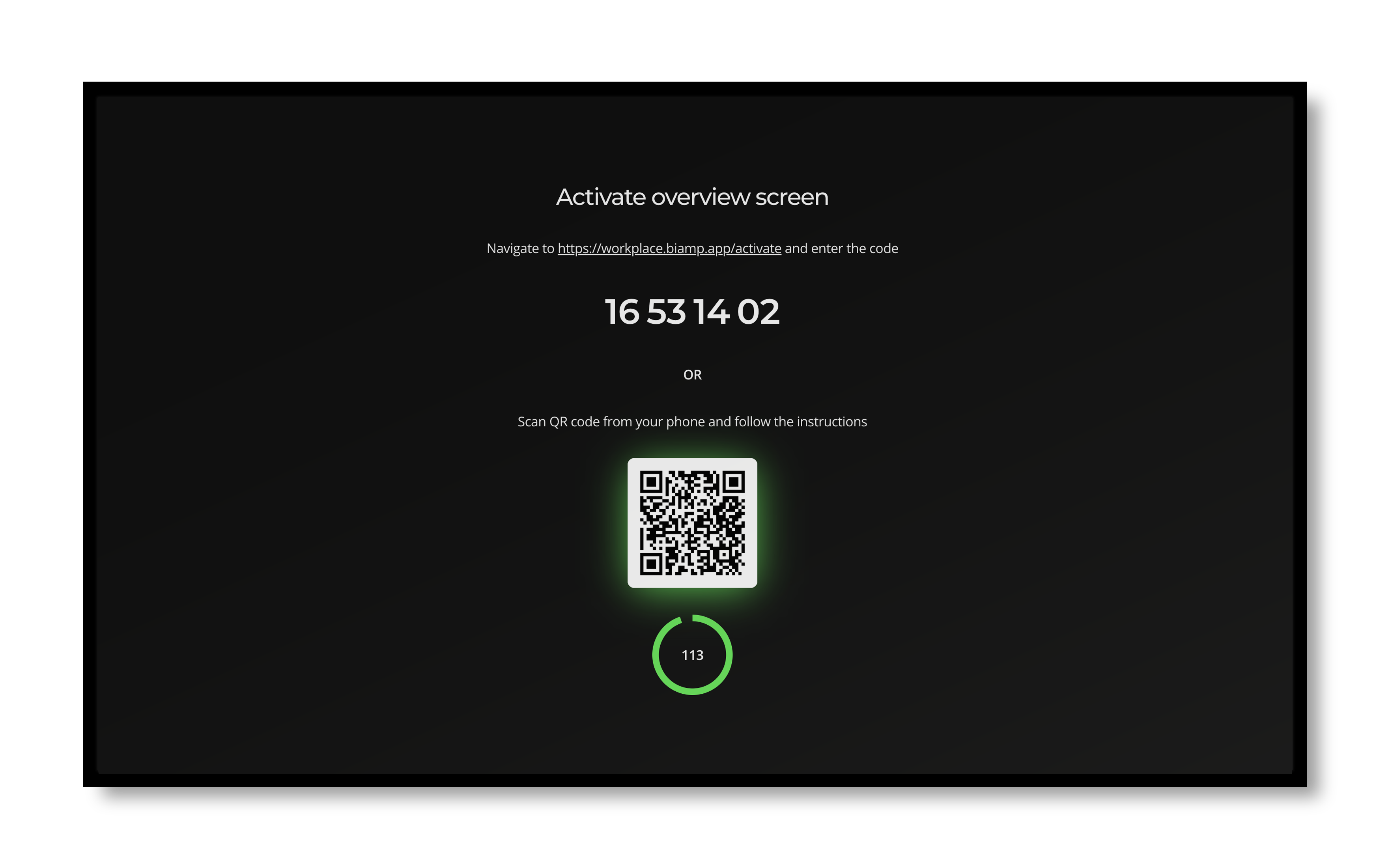
Simple set up. Activate your screen with ease by either scanning the QR code or enter the activation code.

Floor Plan for Evoko
University Scheduling graphic

Simplify Your Scheduling
and Optimize Every Space


1-Year License Included with Device
Get a Free Demo

Frequently Asked Questions

Yes. Workplace Booking uses interactive floor plans that show real-time availability across every space — green for available, red for booked, with room details, capacity, and equipment visible on tap. Employees can find a room visually instead of scrolling through lists, and admins can spot underused or overused areas at a glance.
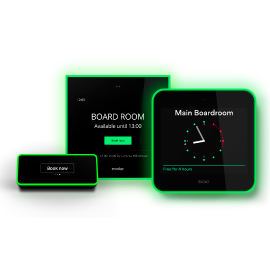
Workplace Booking works with Evoko room and desk booking devices — including Naso and Liso room booking panels and Kleeo desk booking displays — and with Workplace Overview Screens for at-a-glance space availability. Bookings made from any of these devices sync with the Workplace mobile and web apps, and with Microsoft Outlook or Google Calendar.
Every booking, check-in, and no-show generates data that helps administrators understand how spaces are actually used. Identify underused rooms, right-size your booking policies, and adjust your space allocation based on real demand — not assumptions.
Workplace Booking lets employees reserve rooms, desks, and shared resources from any device. Configure any space type in your environment — from huddle rooms and meeting rooms to hot desks, parking spaces, and shared equipment — and apply booking policies that match how each resource should be used.
Yes. Workplace Booking integrates directly with Microsoft Outlook and Google Calendar — bookings sync in both directions, so meetings booked in either calendar show up in Workplace, and bookings made in Workplace appear on the user's calendar automatically. No double-booking, no manual updates.

Resources for Every Role

Explore a variety of resources designed to help you get the most out of Biamp Workplace.

Blog

Explore detailed articles and insights to learn more about every aspect of Biamp Workplace.

Cornerstone

Access in-depth guides, troubleshooting tips, and expert resources to resolve issues quickly.

Training

Free, comprehensive training to enhance your knowledge of Biamp Workplace, tailored for all experience levels.

Contact Support

Get help directly from our support team for any issues or questions you may have.